Computing
At Wilbury, our aim in computing is to help children become confident, capable users of technology. We support them in developing an understanding of how computers and the web work, and we give them opportunities to use computational thinking to solve problems and create their own programs.
Our school is well‑resourced with a dedicated ICT Suite, an IT lab, laptops, iPads and a range of accessories, giving children hands‑on experience with different devices. Every classroom is equipped with interactive touch displays, visualisers and audio equipment, enriching learning across the curriculum.
We follow the National Curriculum programme of study for computing and our key concepts are;
- Digital Literacy; using IT purposefully, creatively and safely
- Computers, Networks and the Web; understanding how computers, networks and the web function
- Computer Science; developing computational thinking and programming skills
What does Computing at Wilbury look like?
Below are some examples of children’s work that demonstrates some of the learning that takes place in their computing lessons.
Digital Literacy
In computing lessons, children learn to use a range of devices purposefully to find, create, save and edit information. These skills are first taught explicitly in computing sessions, and children then have opportunities to rehearse and apply them across the curriculum using our school devices.
Throughout their time at Wilbury, pupils are introduced to a wide variety of software that enables them to create documents, produce animations, edit videos, manipulate images and design simple websites.
Year 3 Online Safety Presentations
Year 4 Video Editing
Year 6: 3D Printing and Image editing
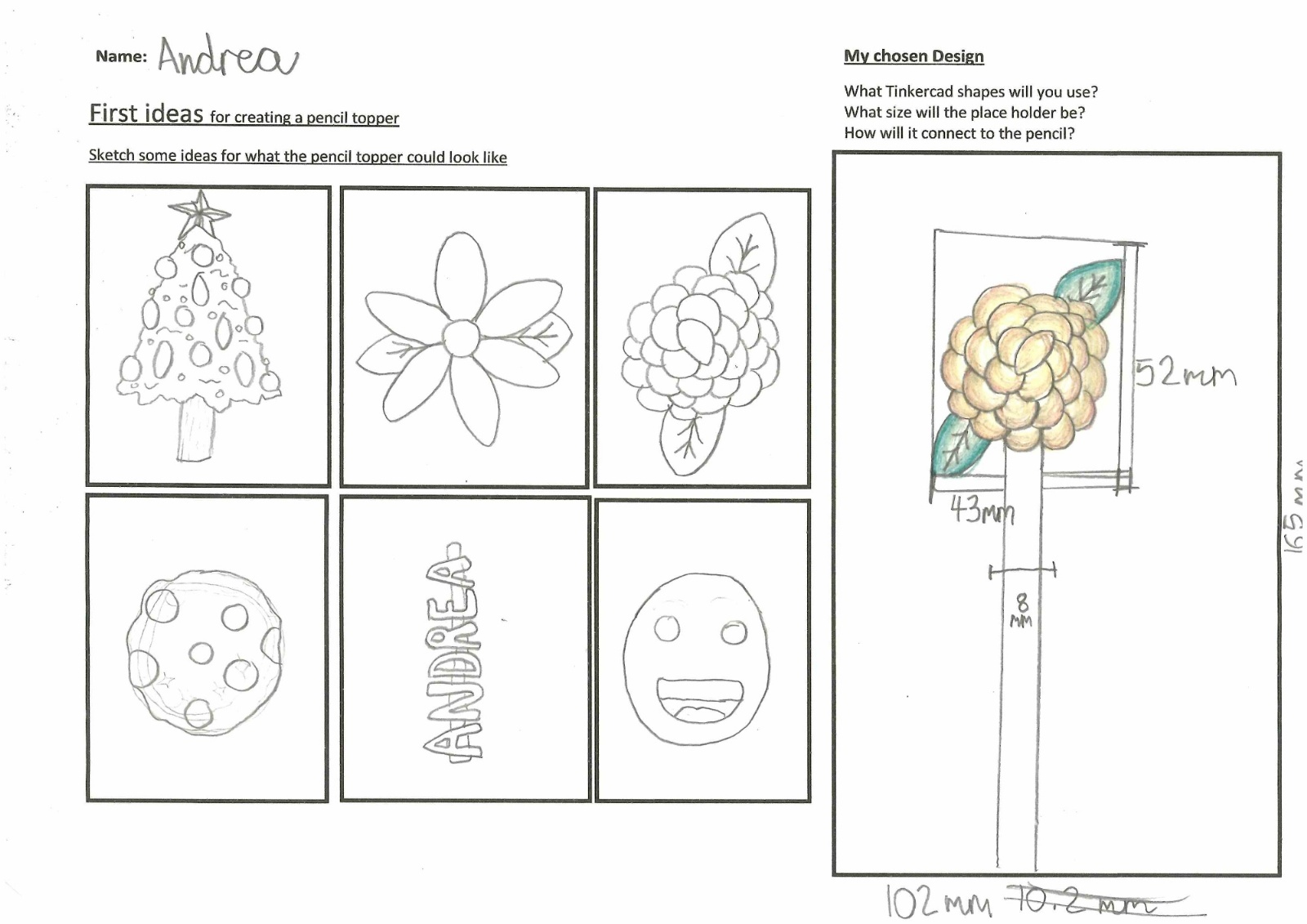
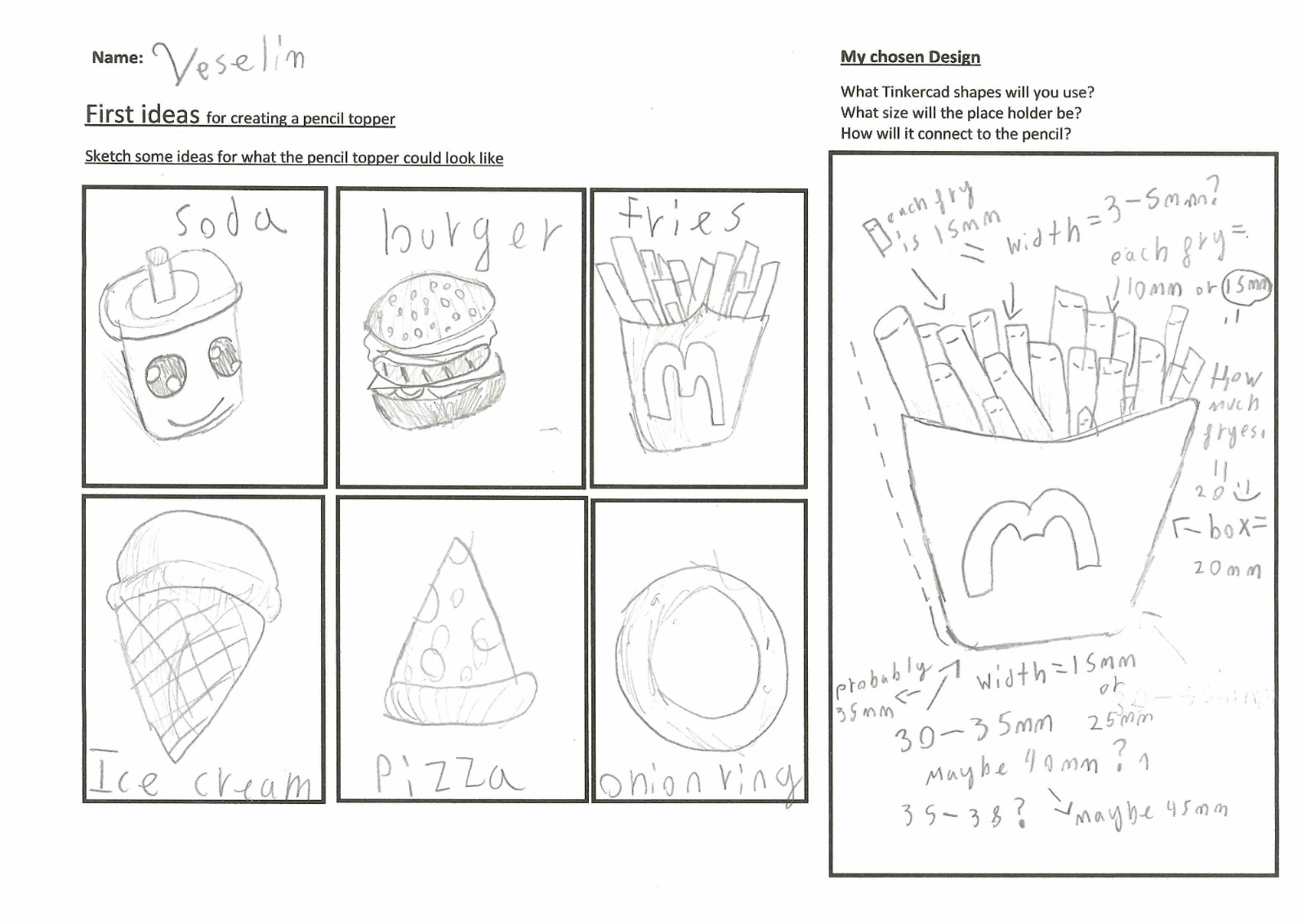
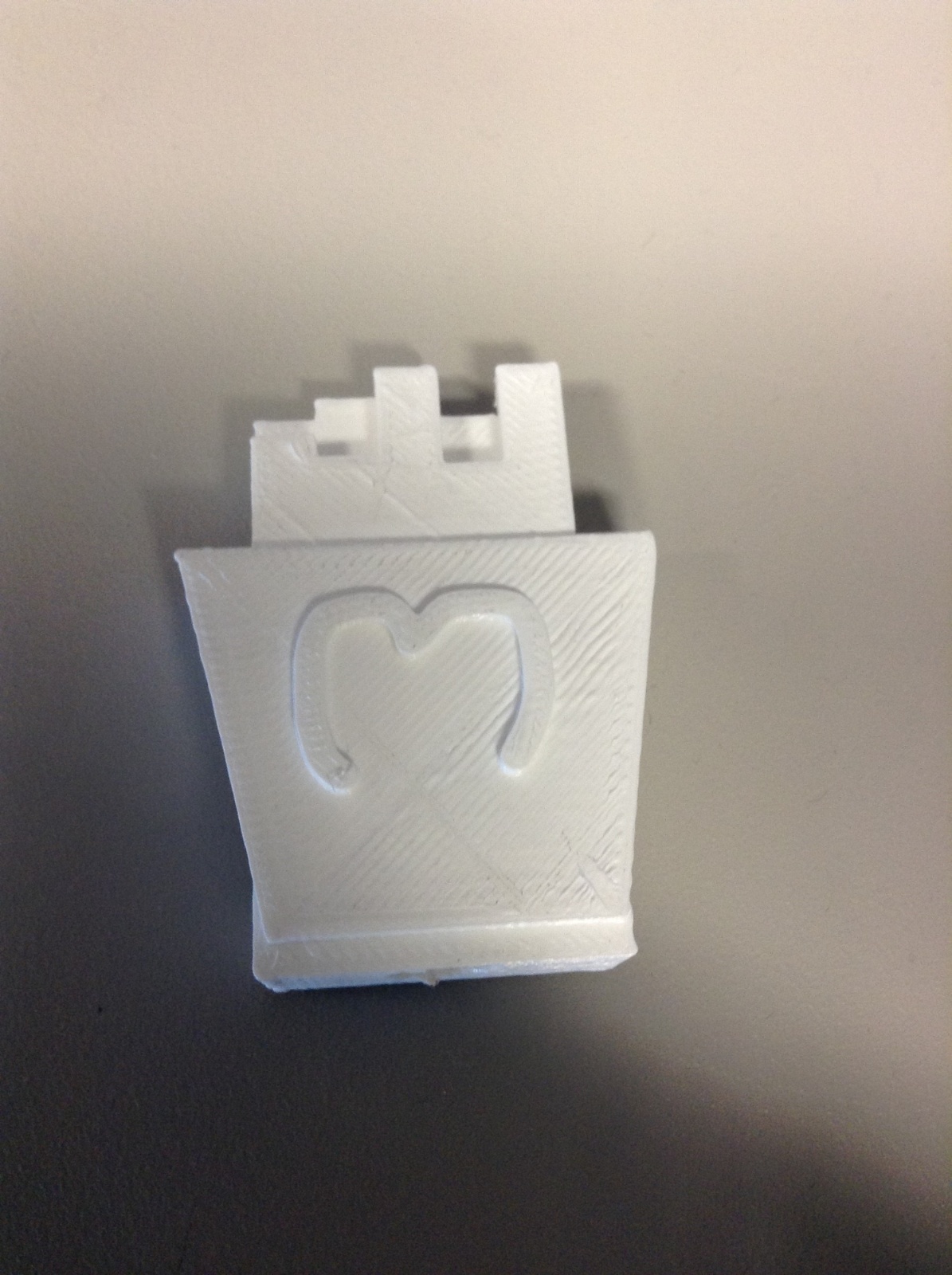
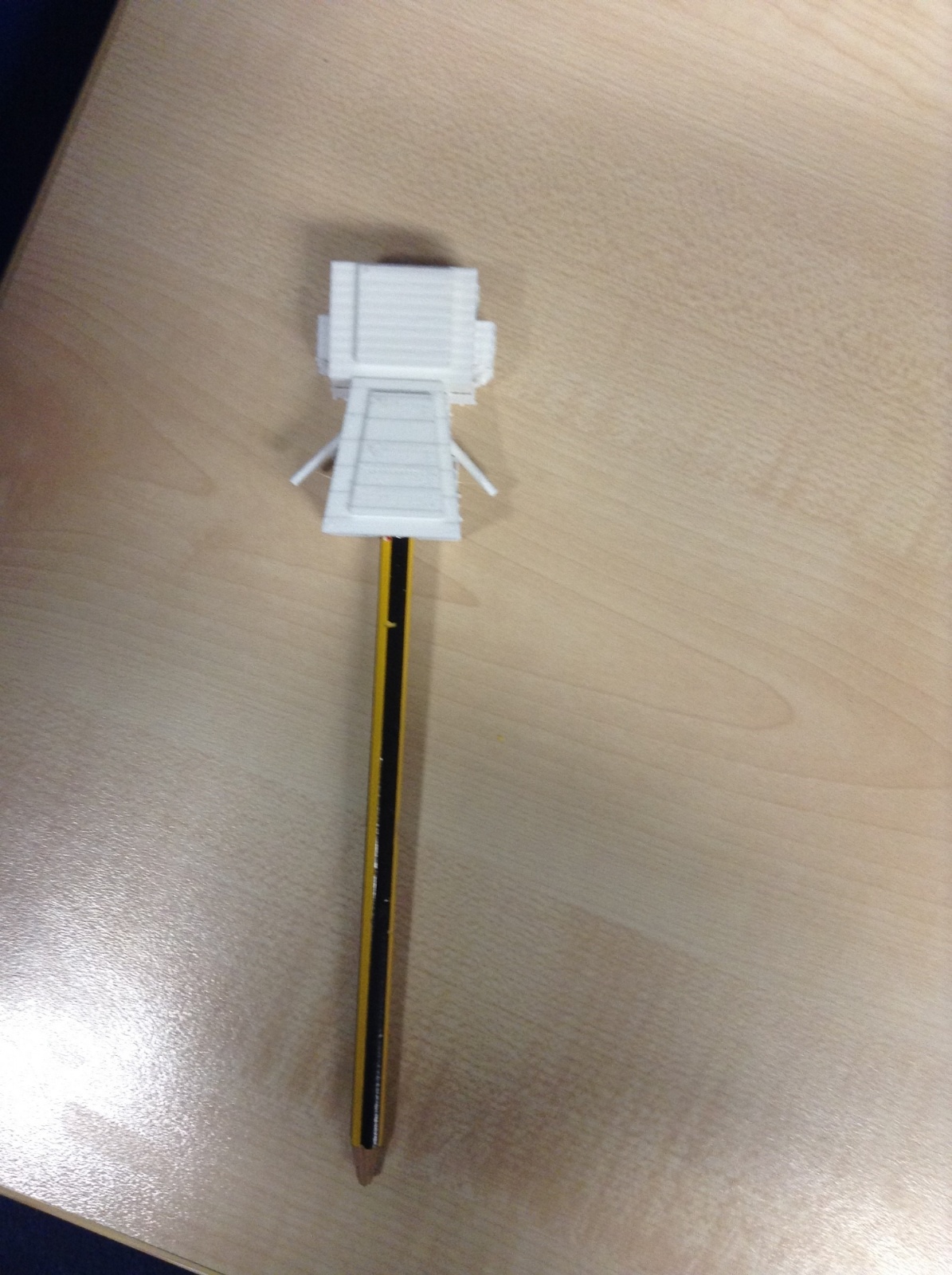
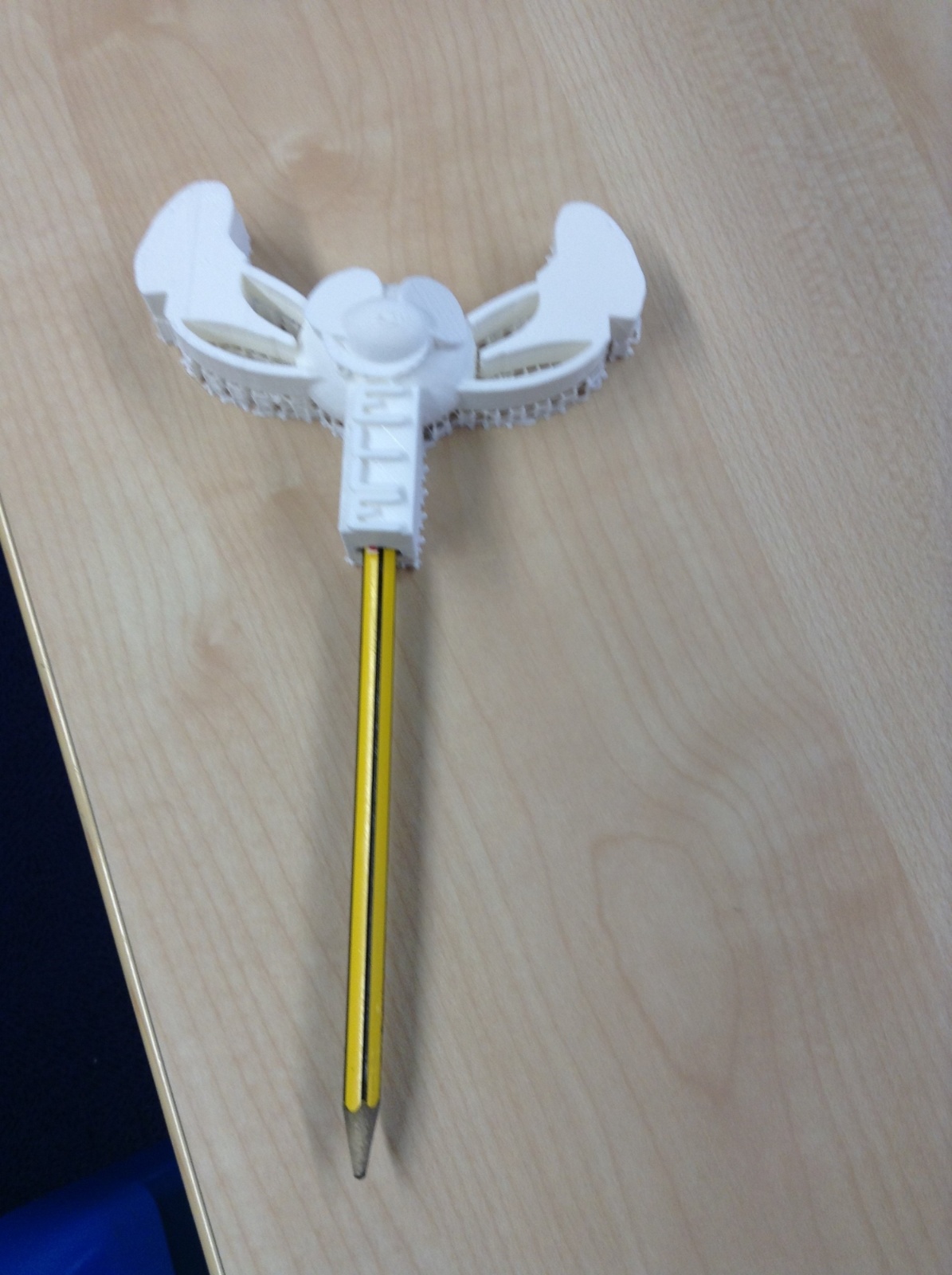
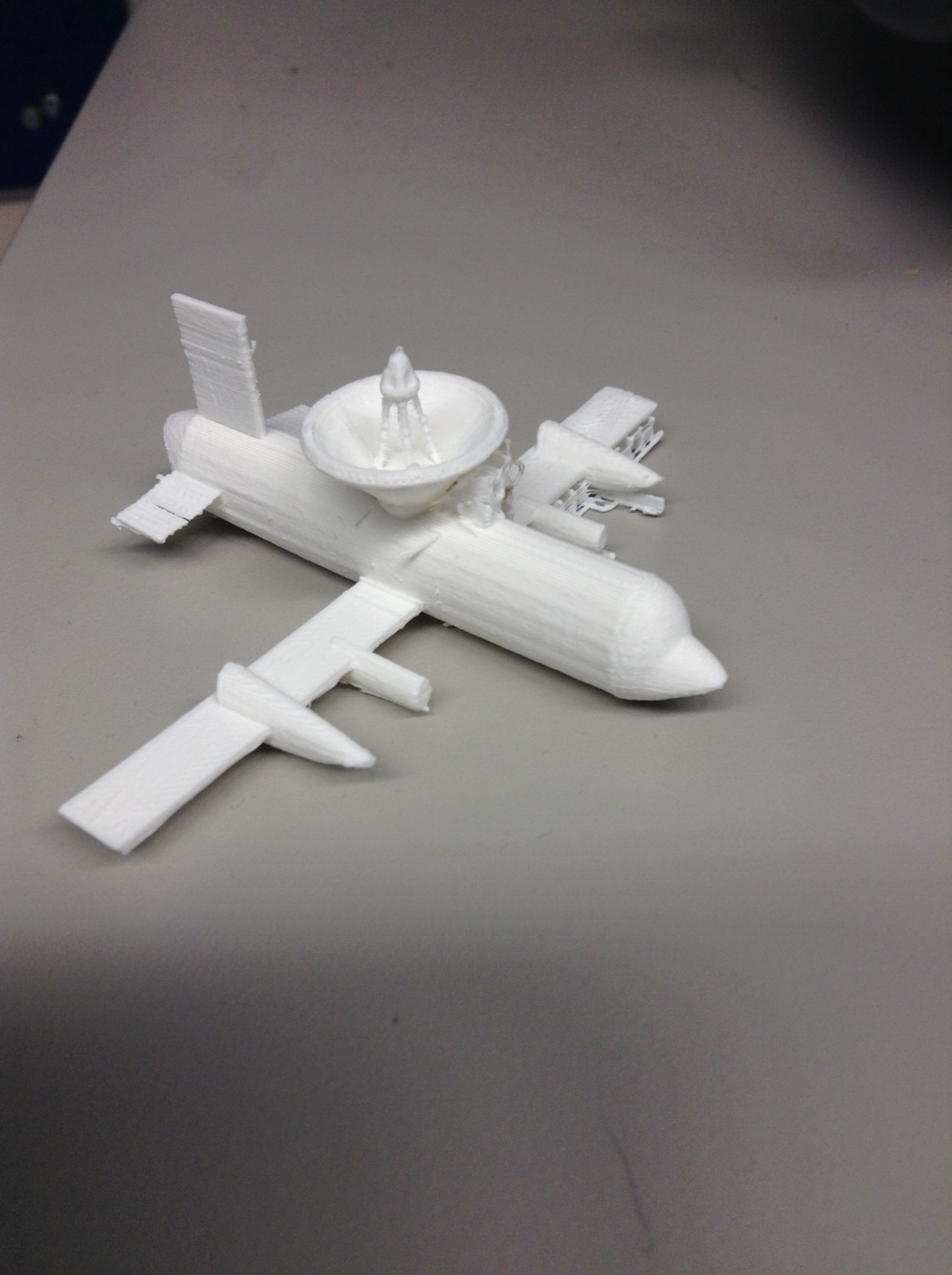


Children gain confidence using a variety of programs to create digital artefacts, while also developing an understanding of how digital devices may shape their futures.
Computers, Networks and the Web
In these computing lessons, children learn about the main components of a computer and how they process data. They explore how input and output devices control computers, as well as the role and importance of program files. Because the internet is such a significant part of everyday life, children are taught not only how to use it safely and effectively, but also how it works. They learn about networks, the internet and how these systems connect to provide services such as the World Wide Web and streaming media.
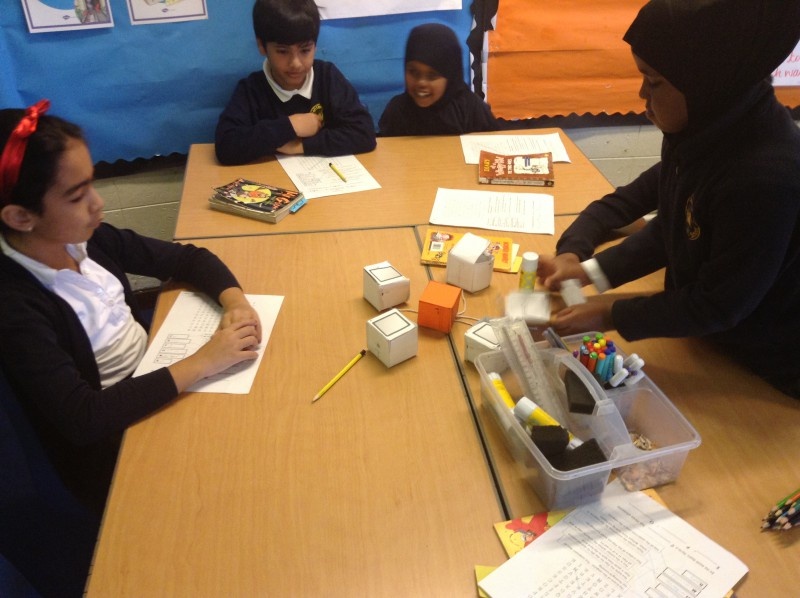
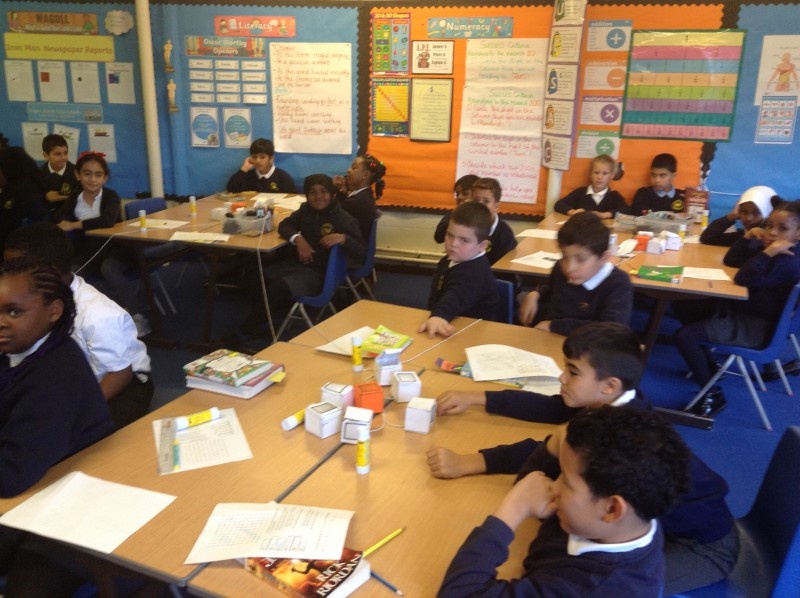
Year 3 children build their own paper computers and use them to model how the internet works.
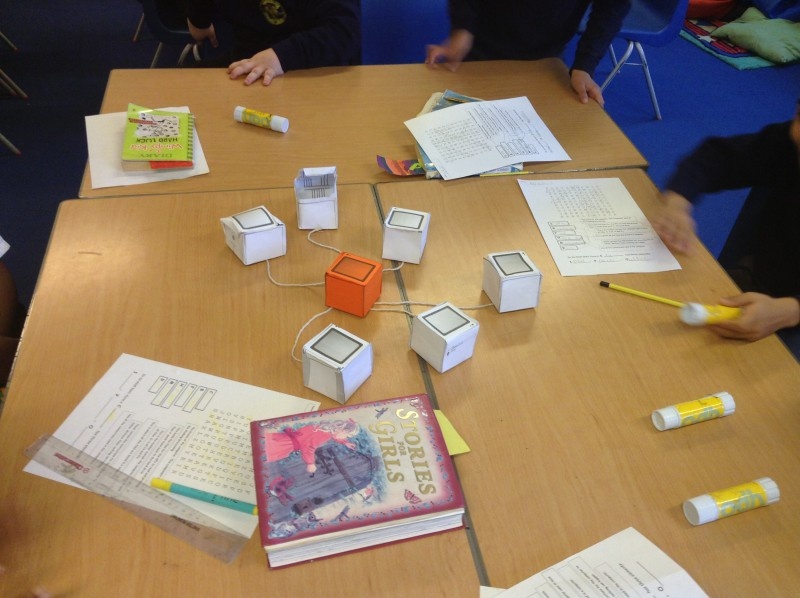
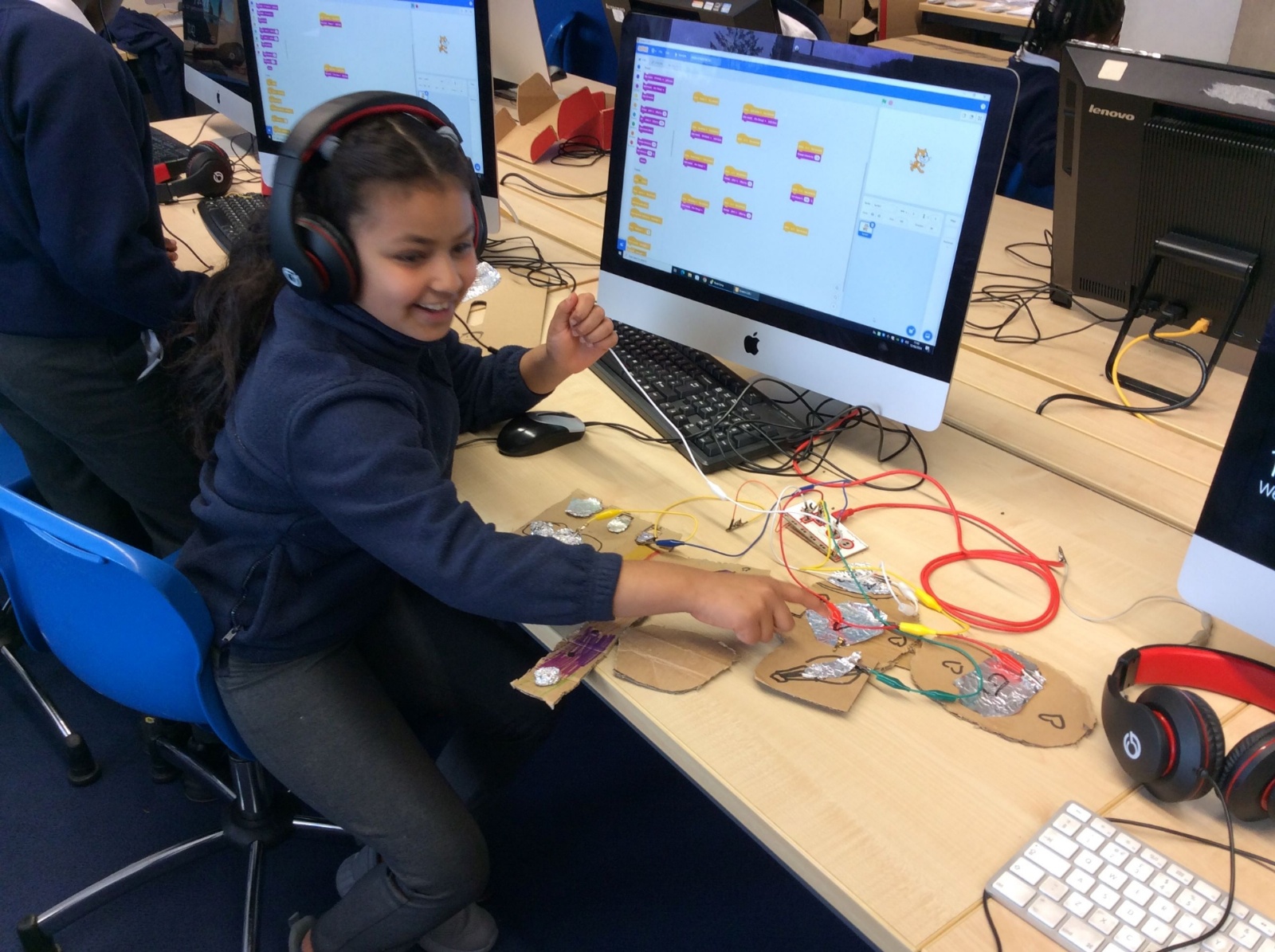
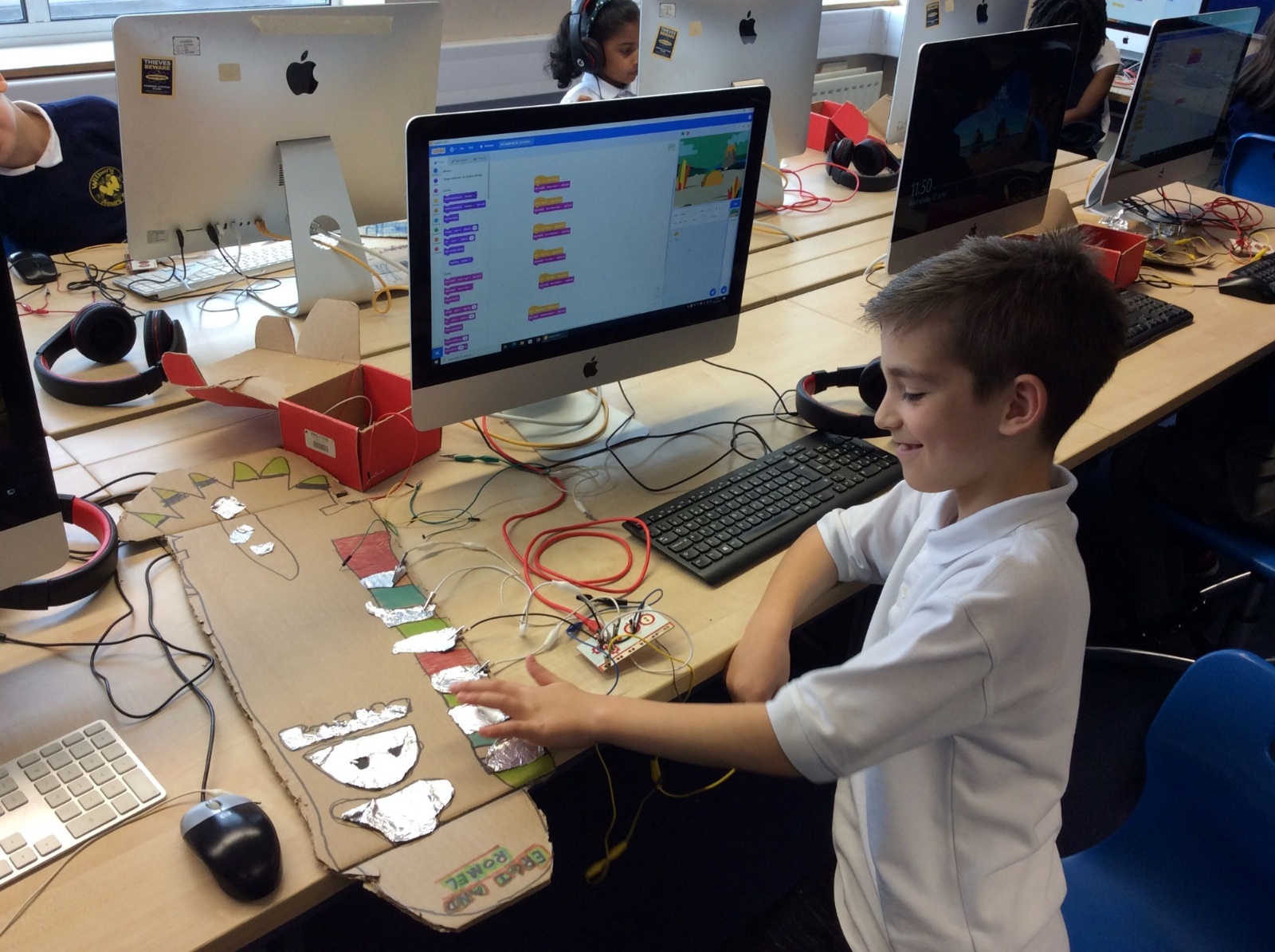
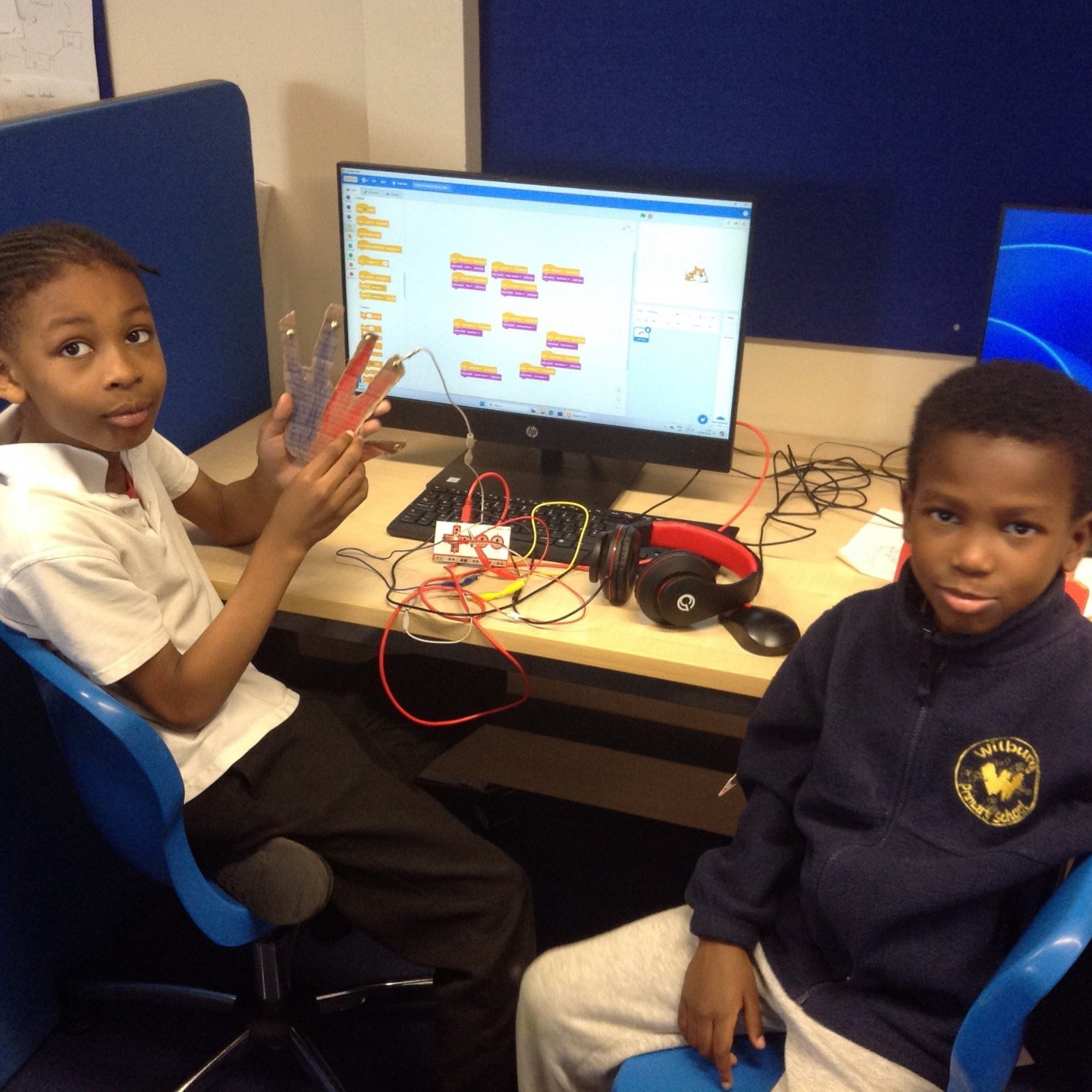
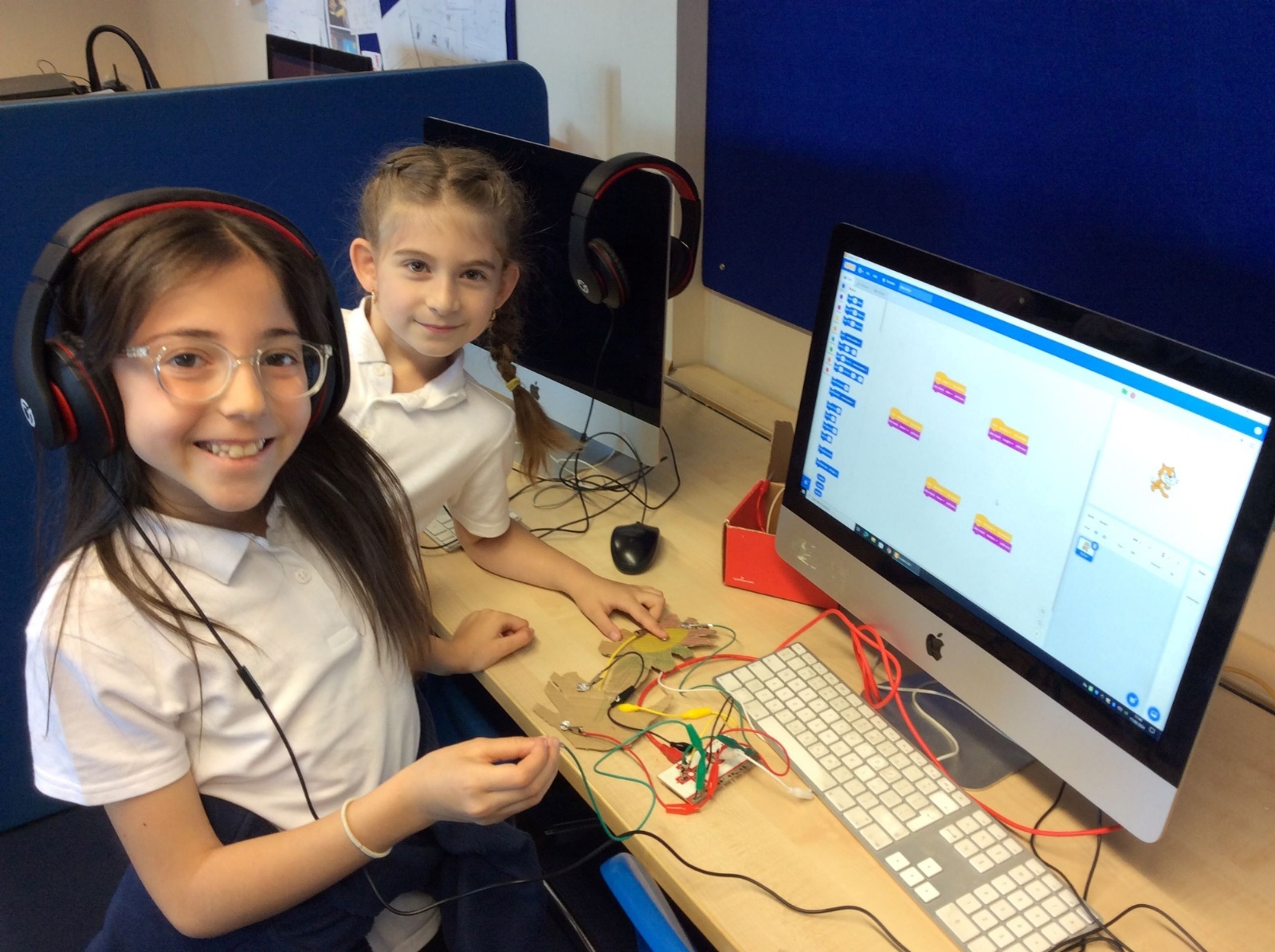
Year 3 investigating input and output devices using a Makey Makey and Scratch.
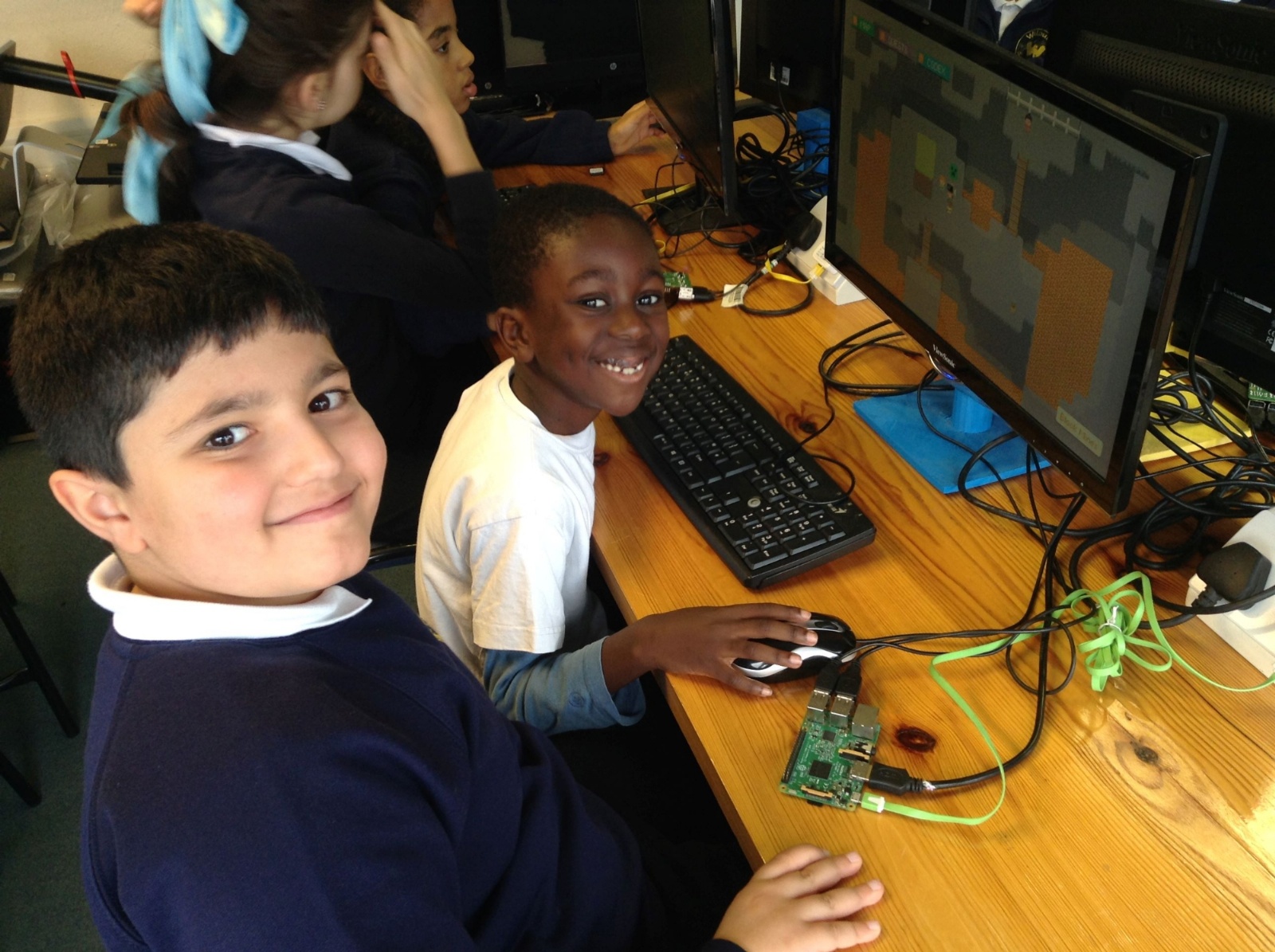
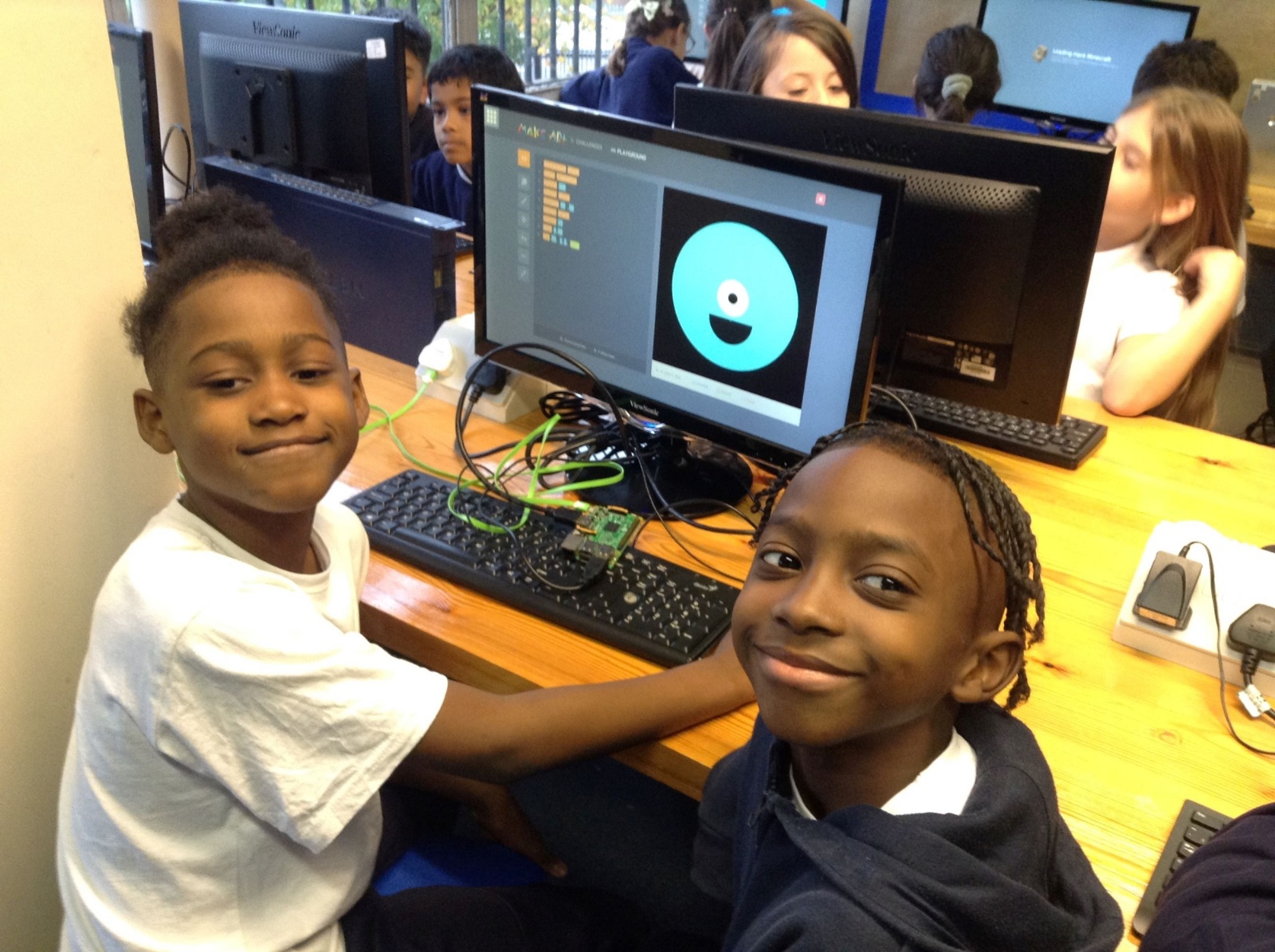
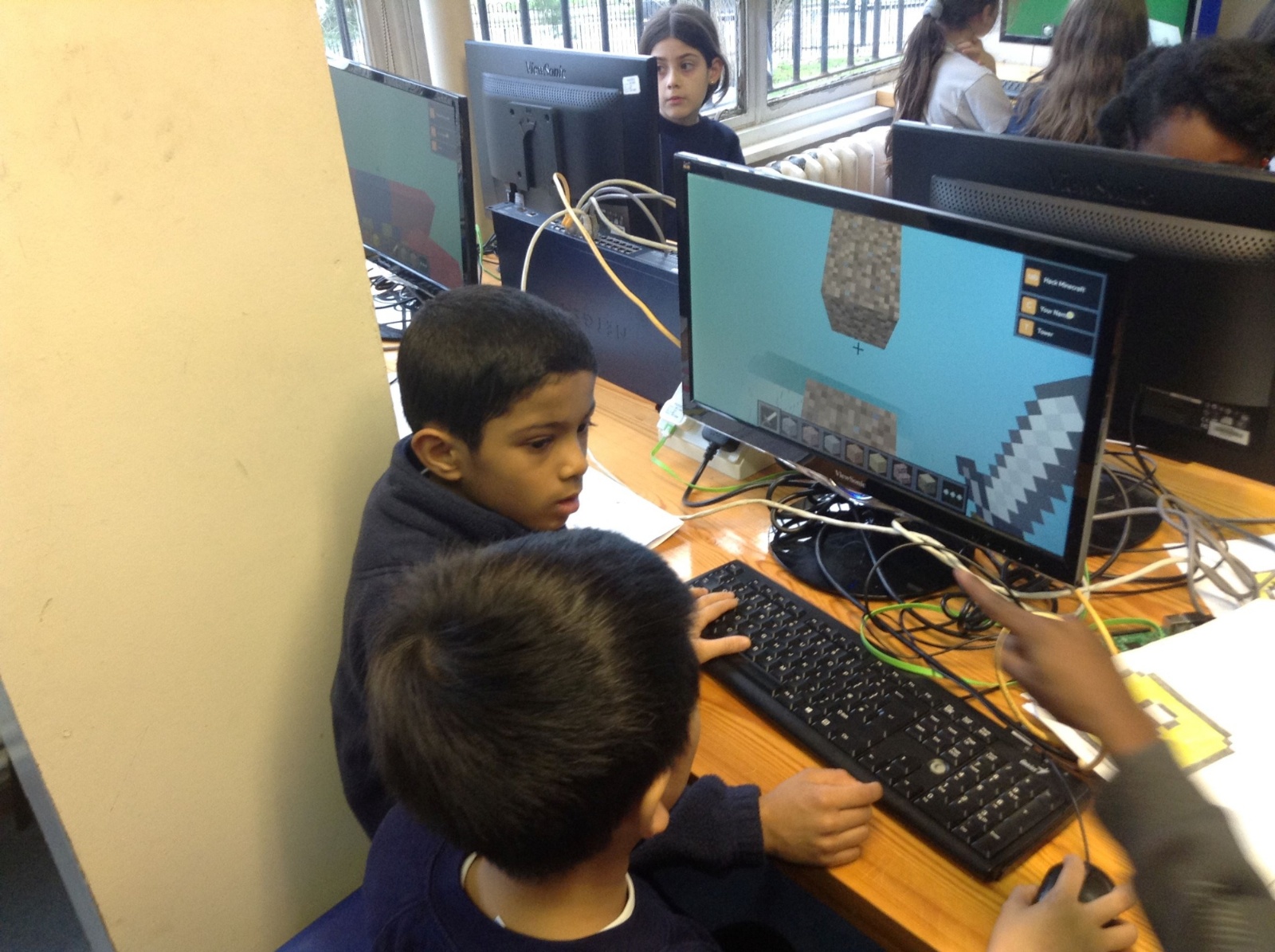
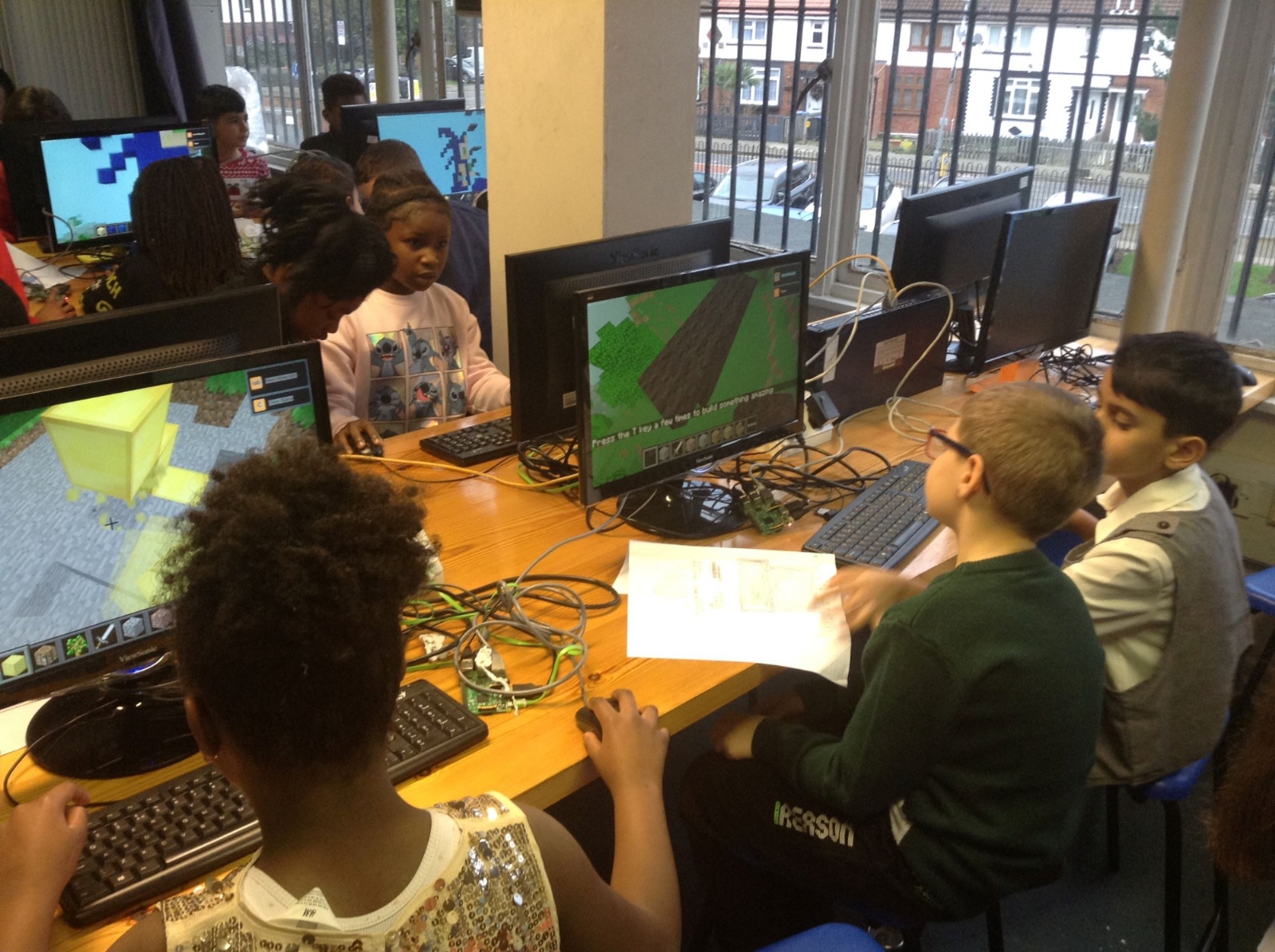
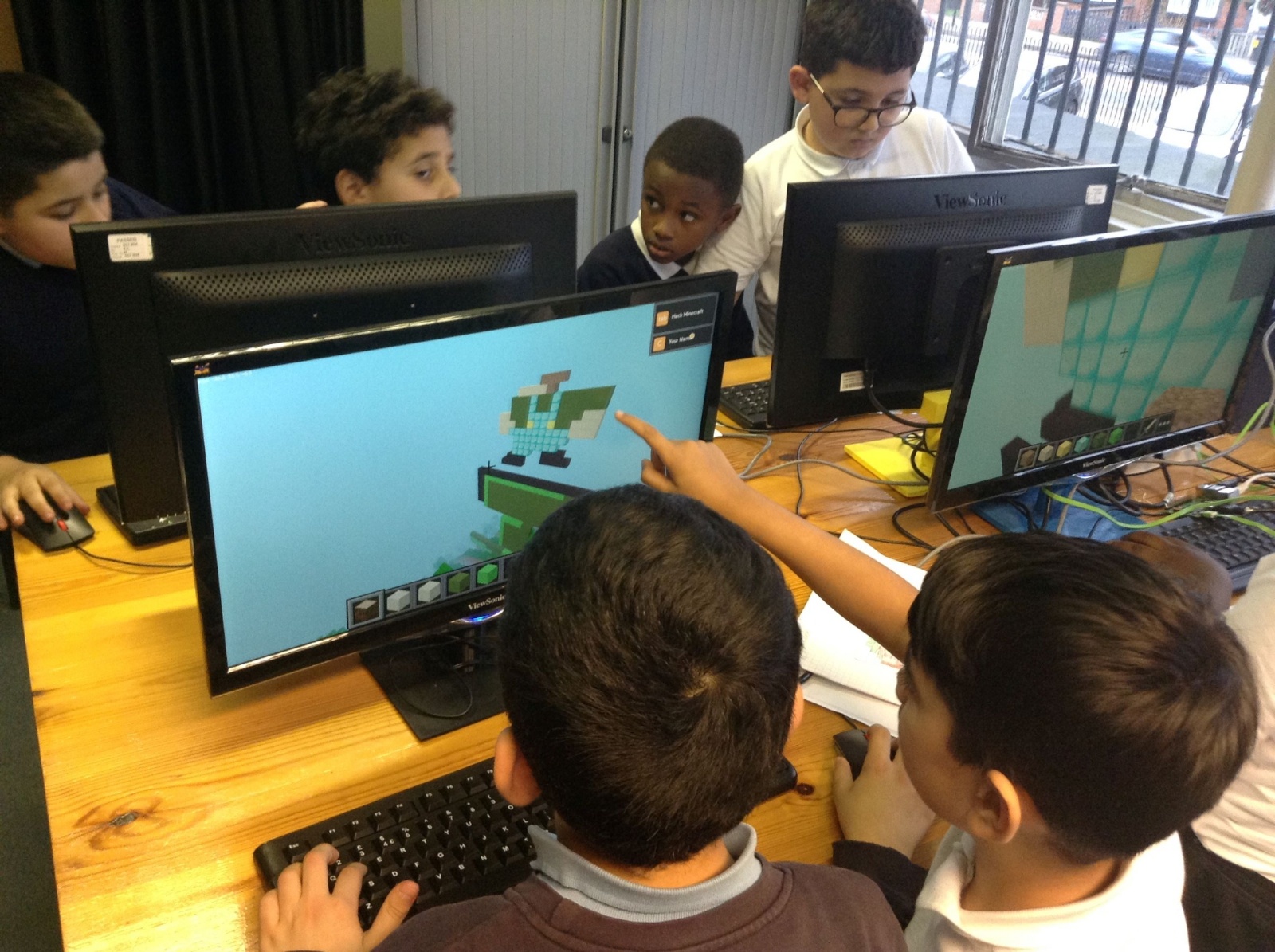
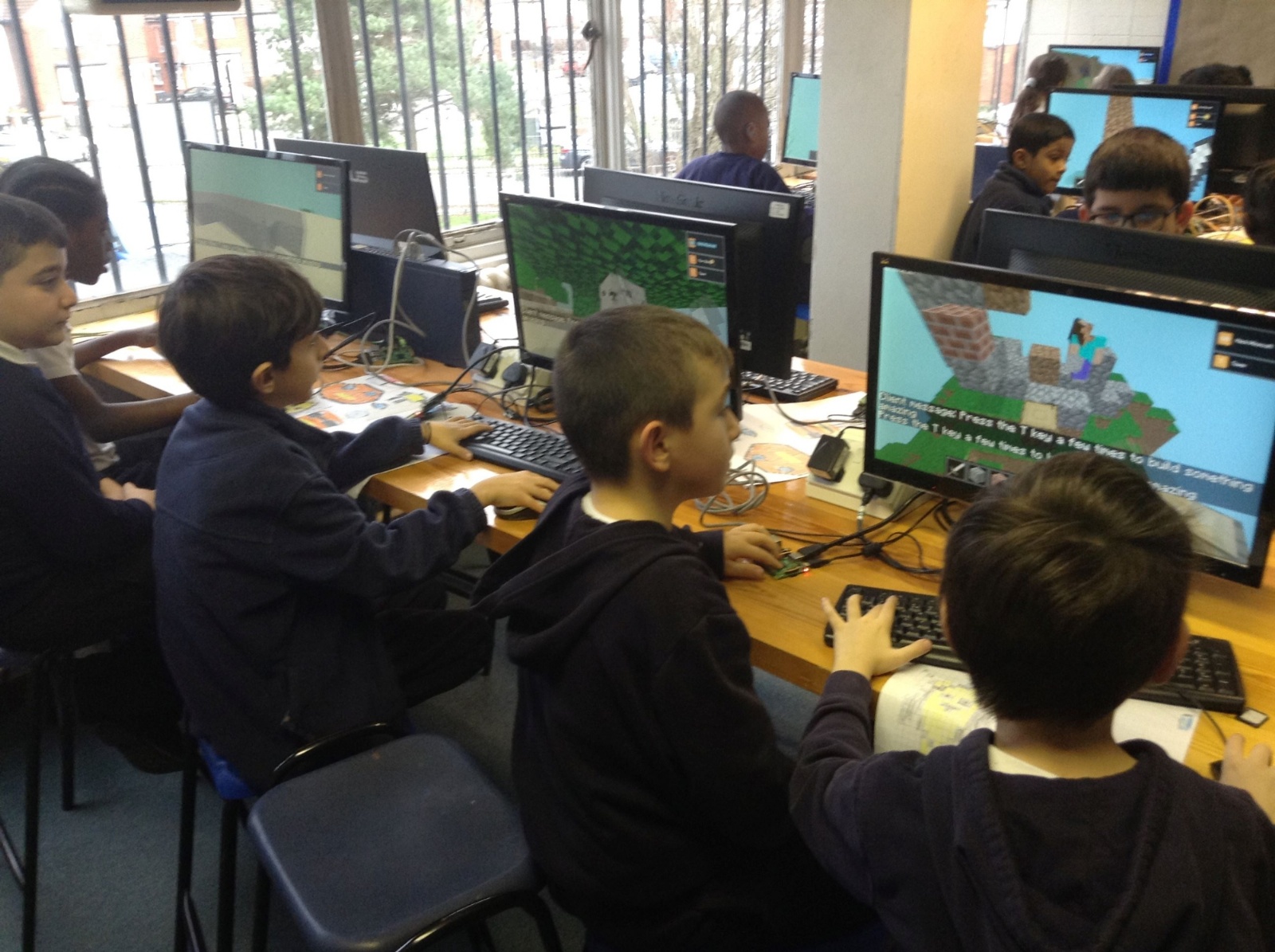
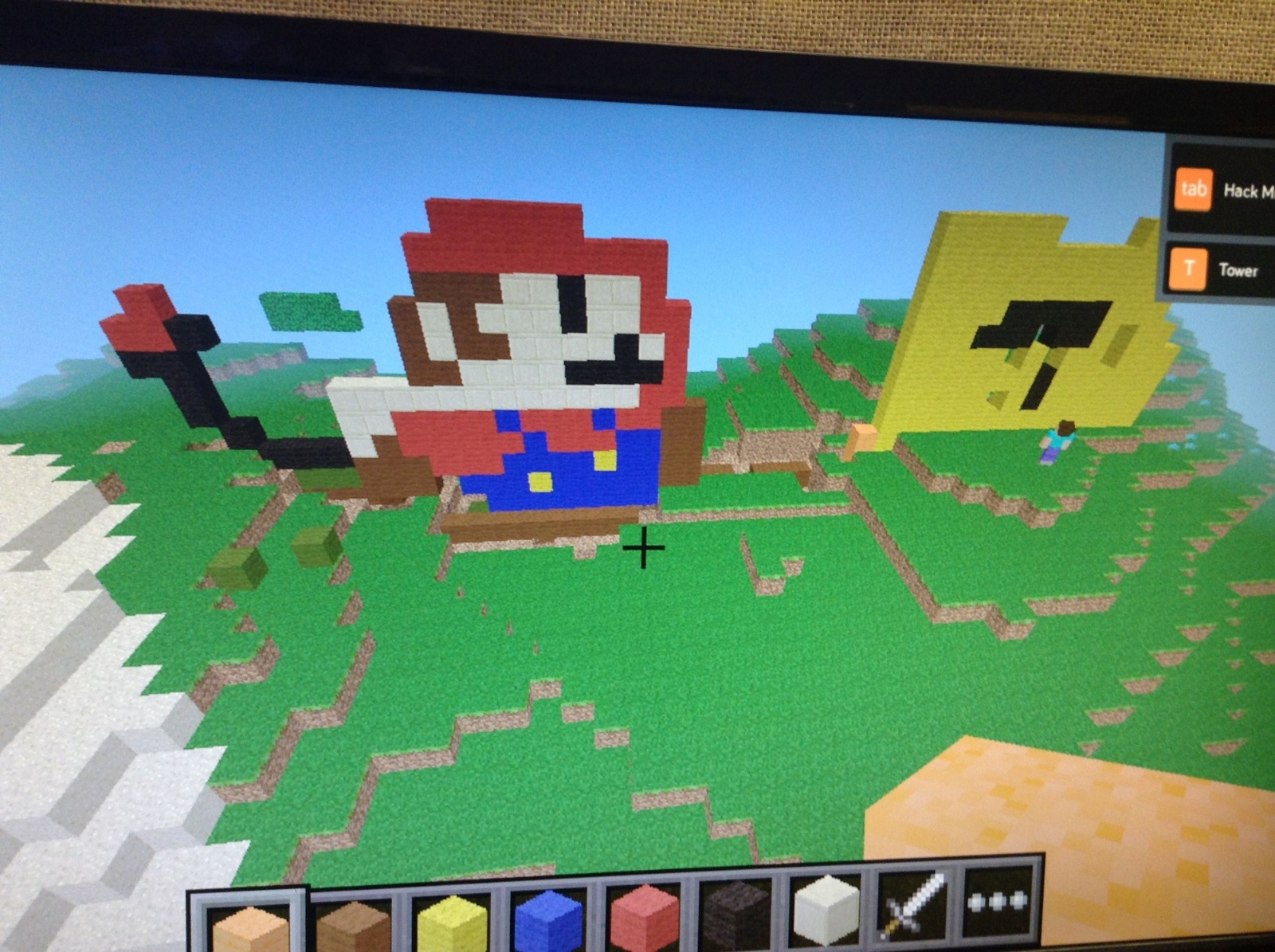
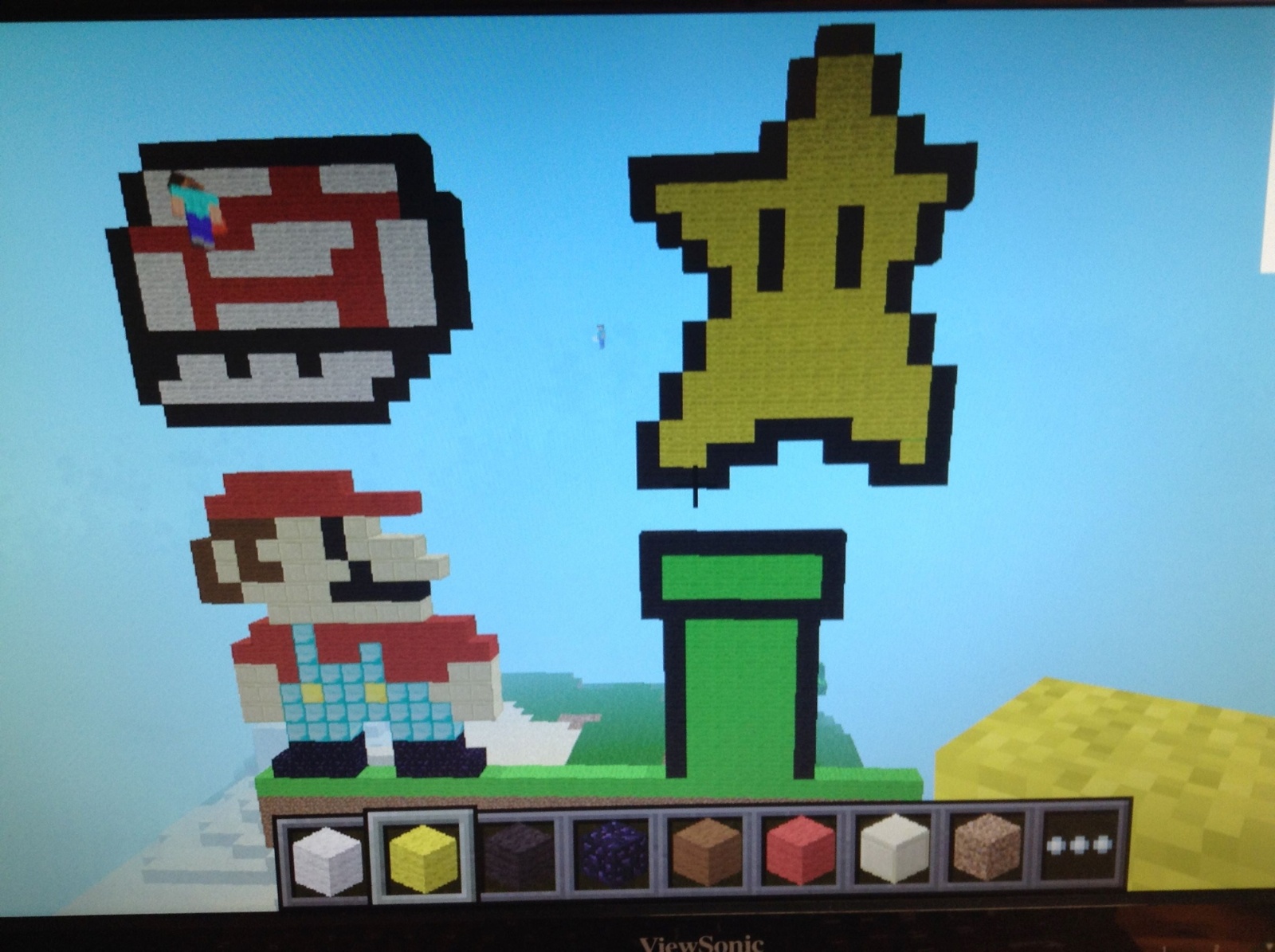
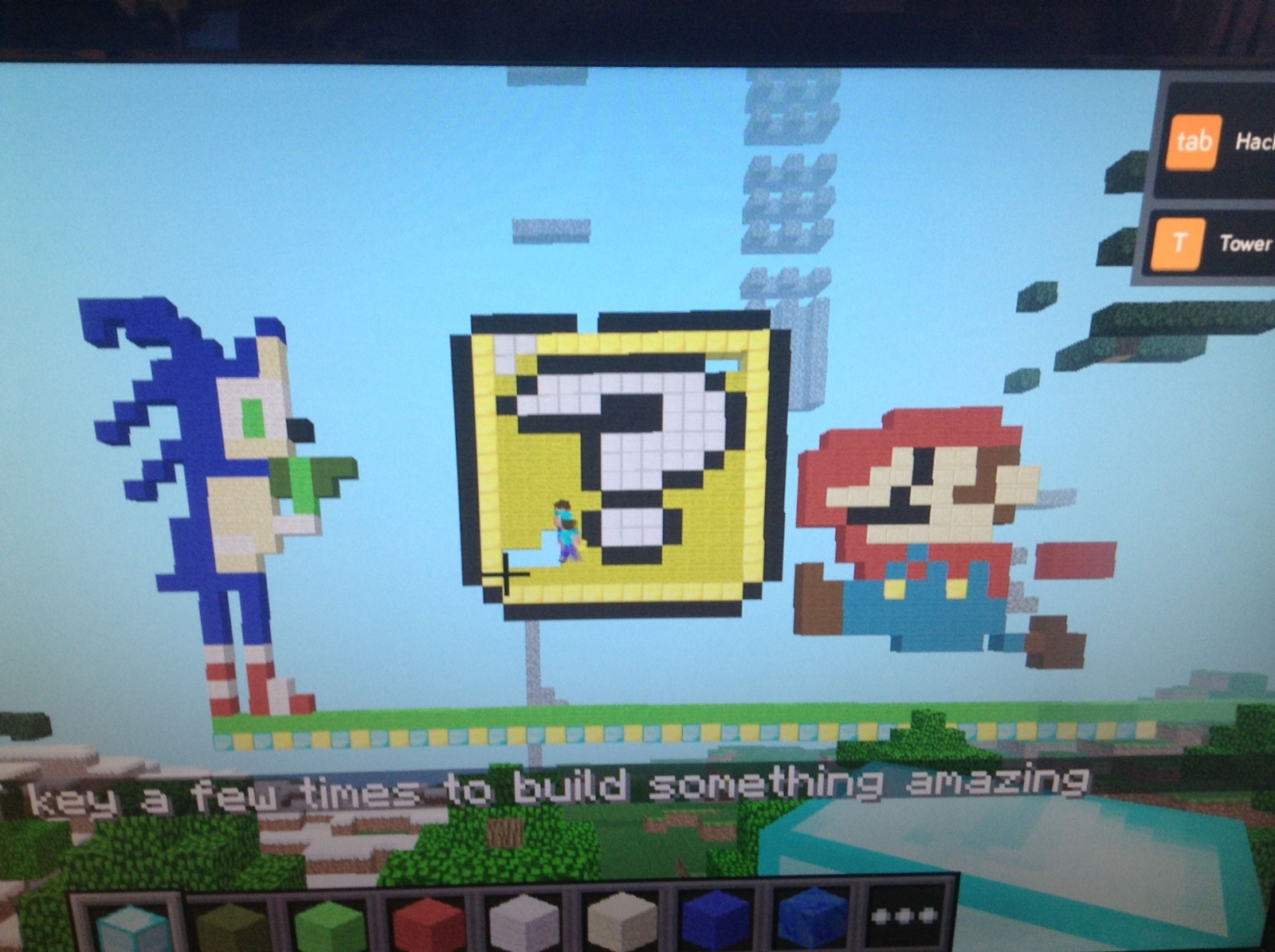
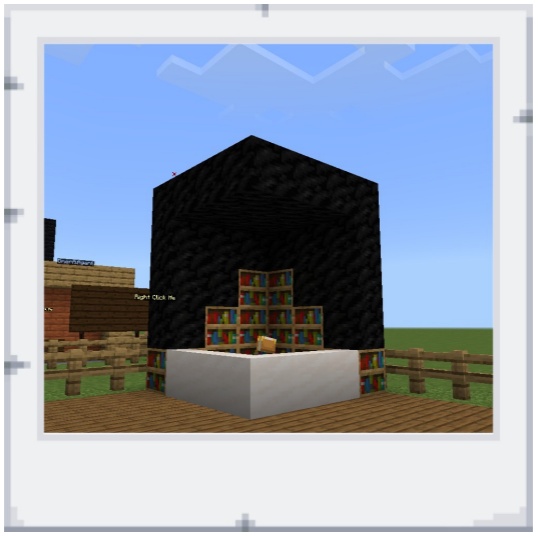
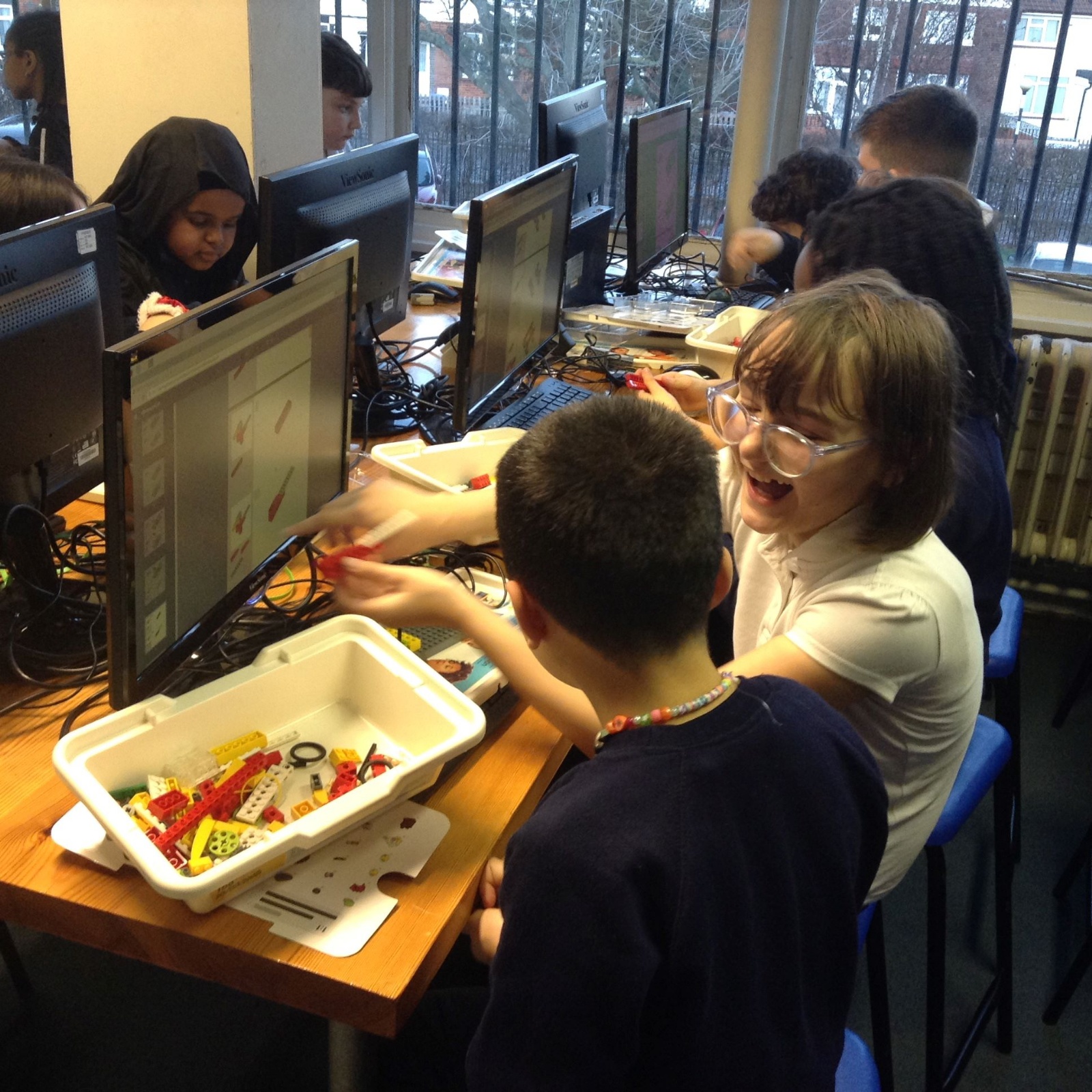
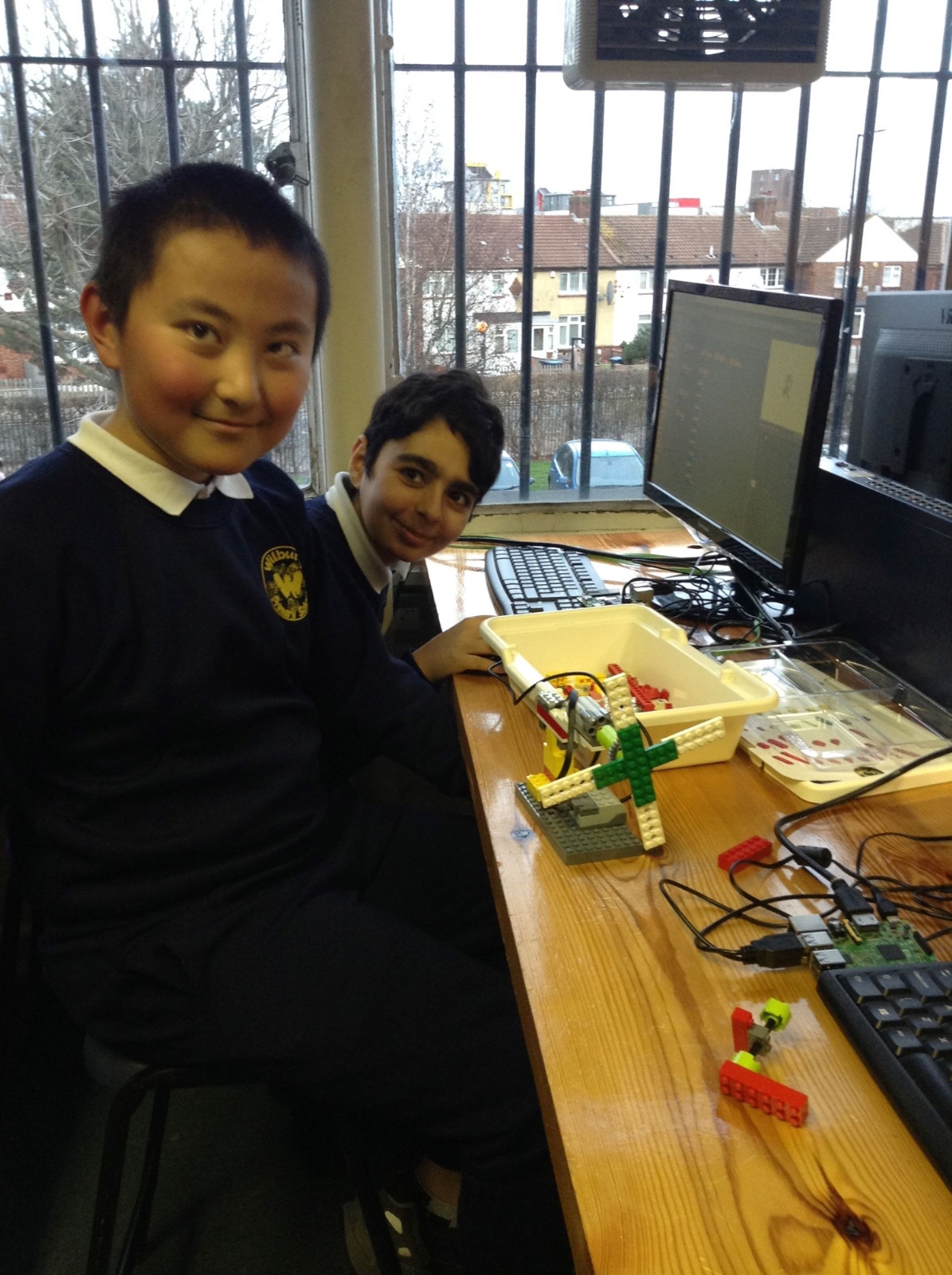
Year 4 children in our IT lab building computers using Raspebrry Pi motherboards. They connect them together to create a network and work collaboratively to build pixel art in Minecraft.
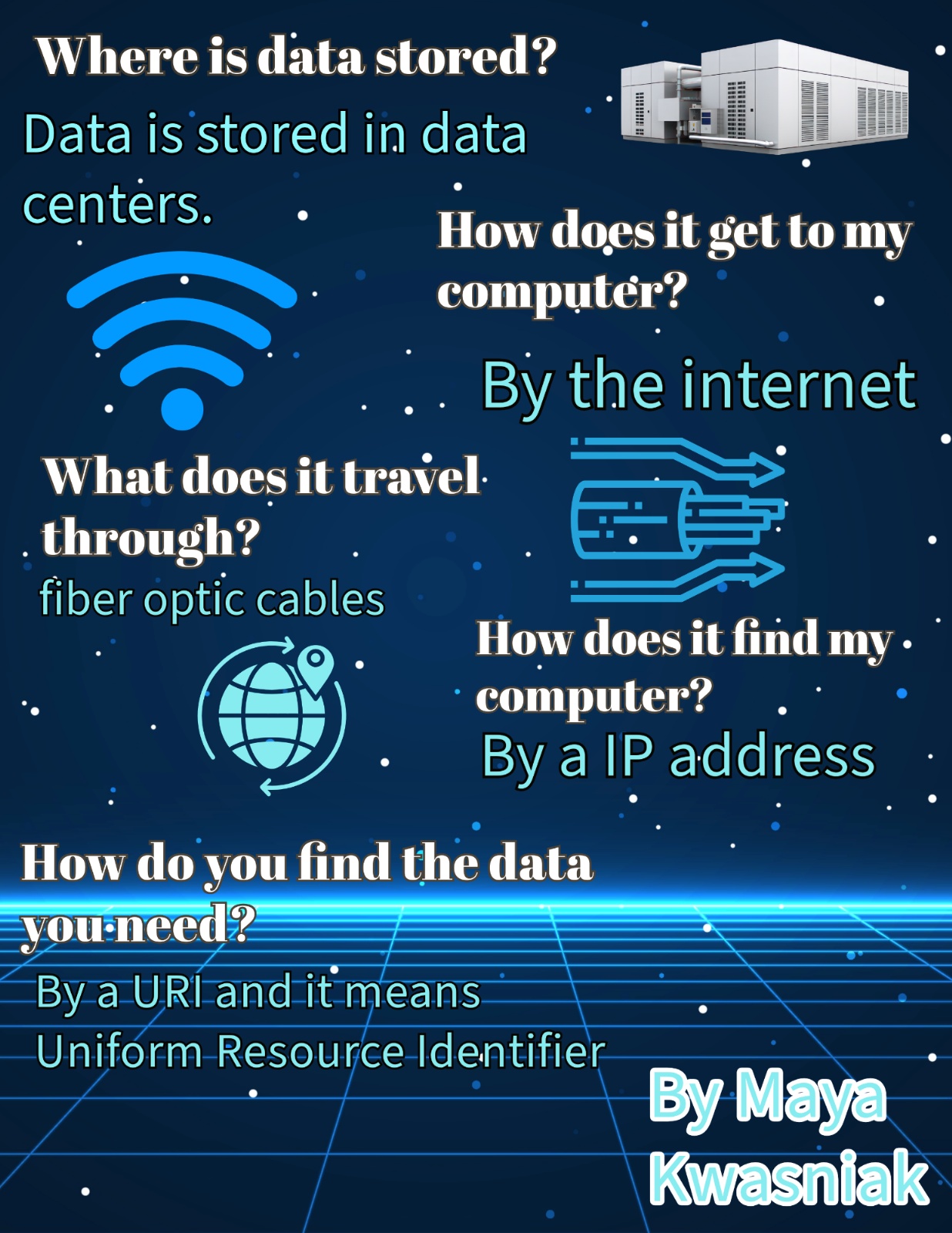
Year 5 posters created using Adobe Express
.png)
.png)
.png)
Year 5 Children create their own websites to explain what the World Wide Web is.

Computer Science
In these lessons, children learn how to write programs to solve problems. They develop an understanding that everything a computer does has been programmed, and they begin building the skills needed to turn their own ideas into coded solutions. They explore algorithms and how these are translated into code to control digital systems.
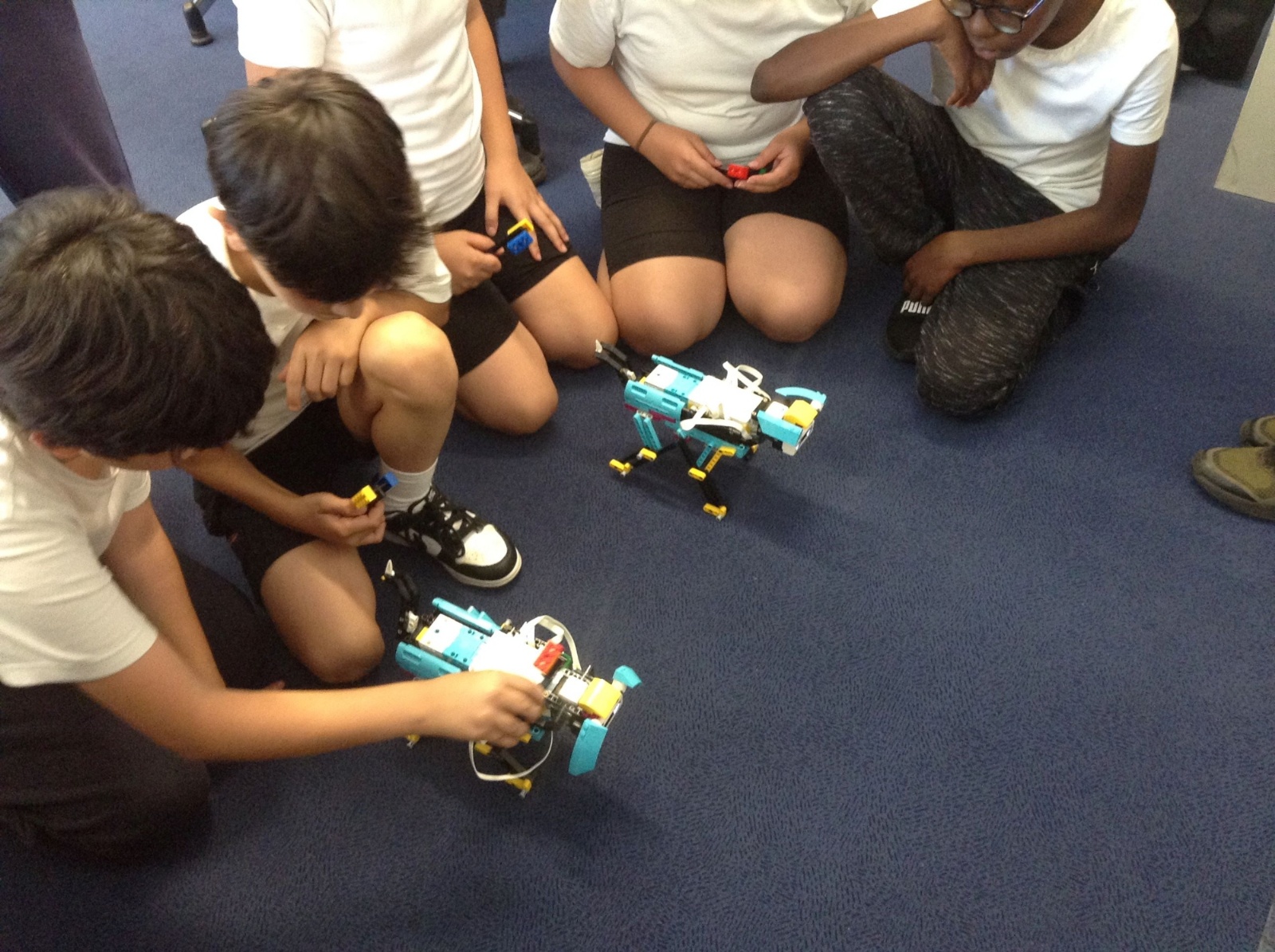
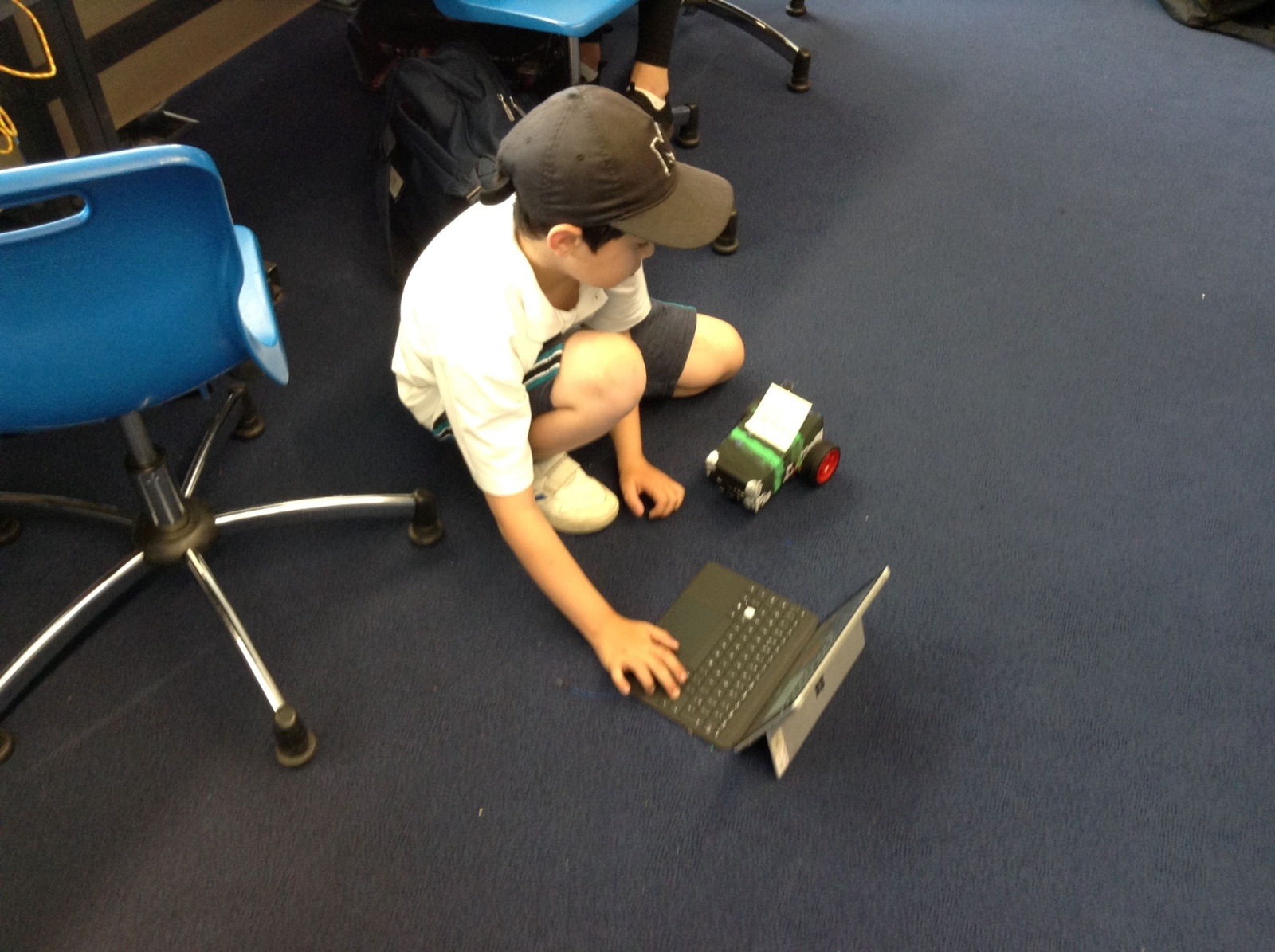
We use a range of programming environments, such as Scratch, to give children broad and engaging experiences of coding. Lessons also include opportunities to program physical devices, enabling pupils to see their code interacting with the world around them.
Year 1 children learning about algorithms.
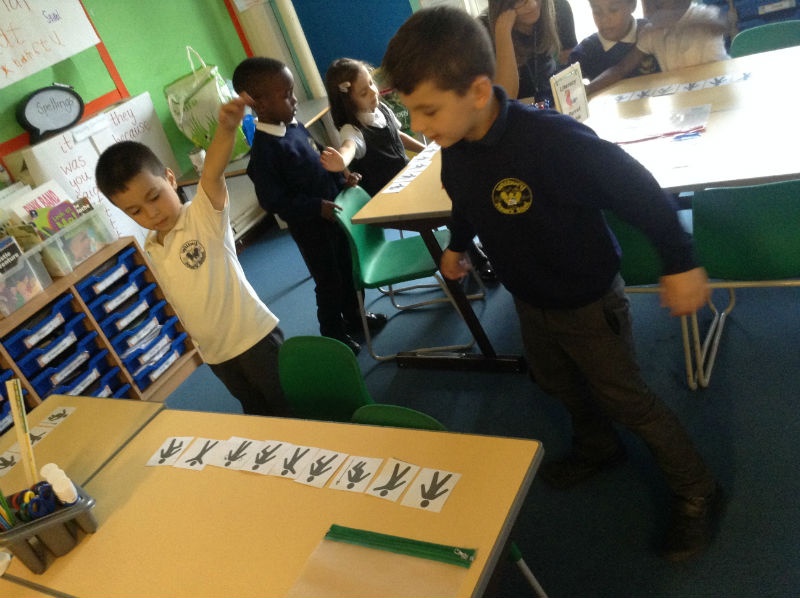
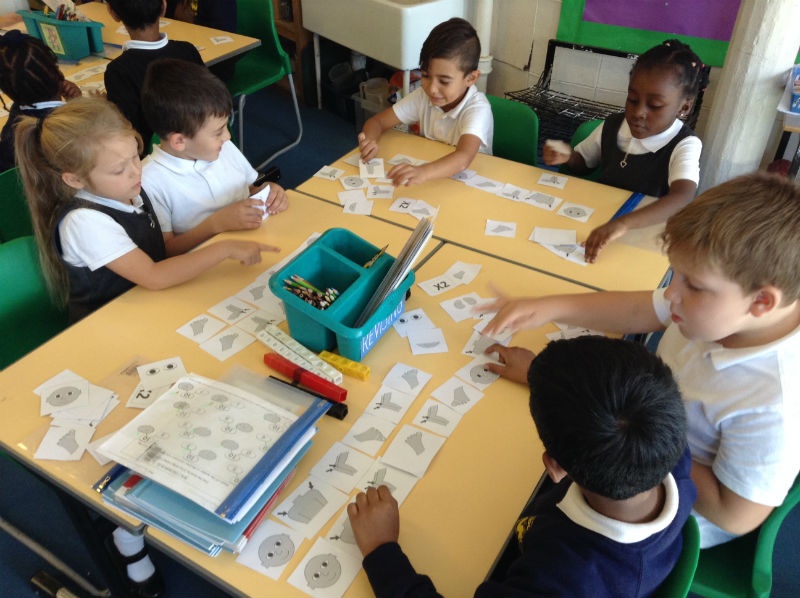
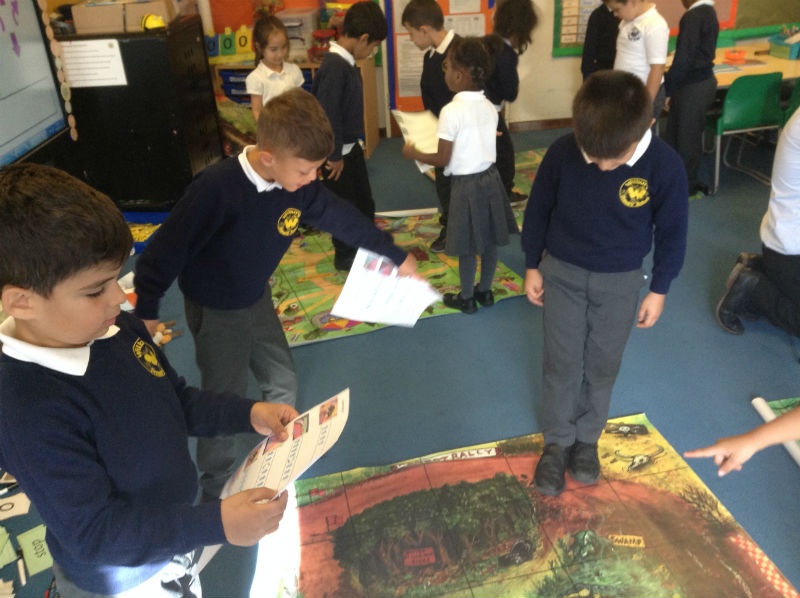
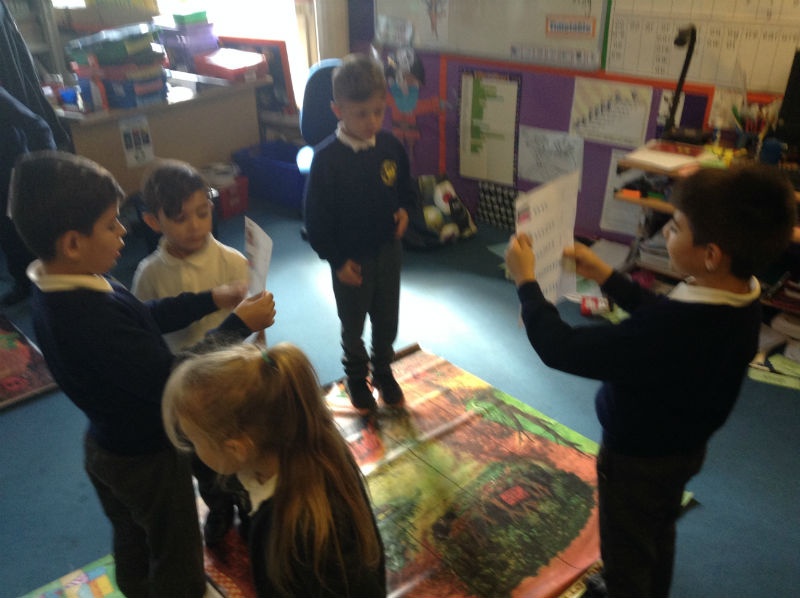
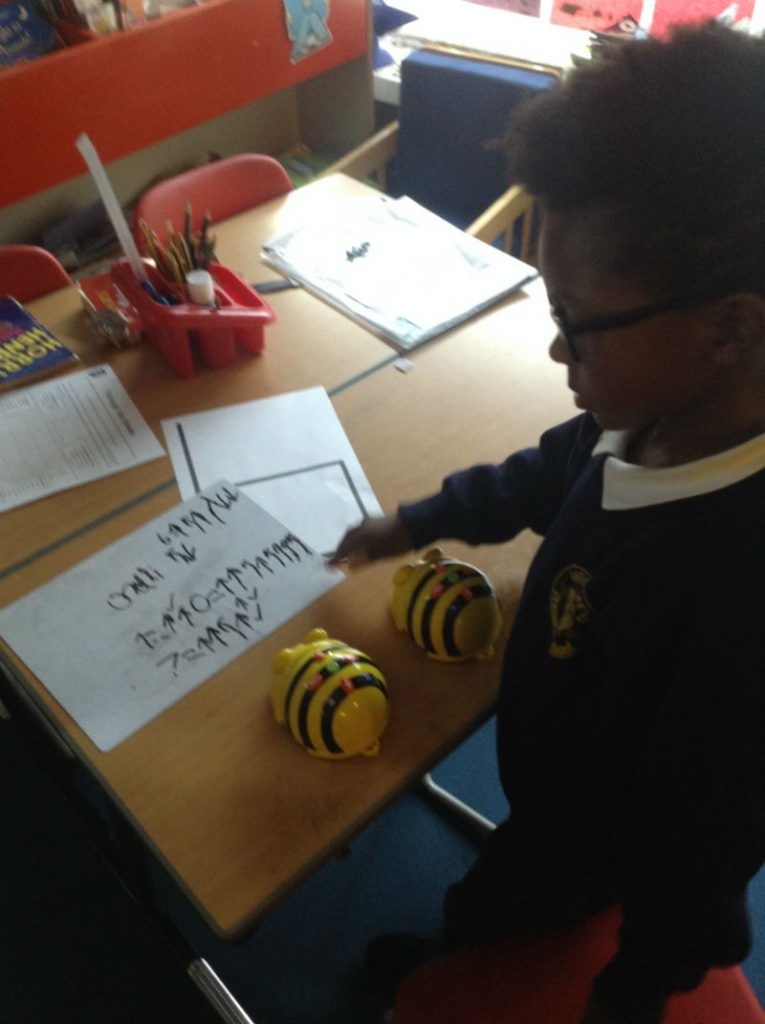
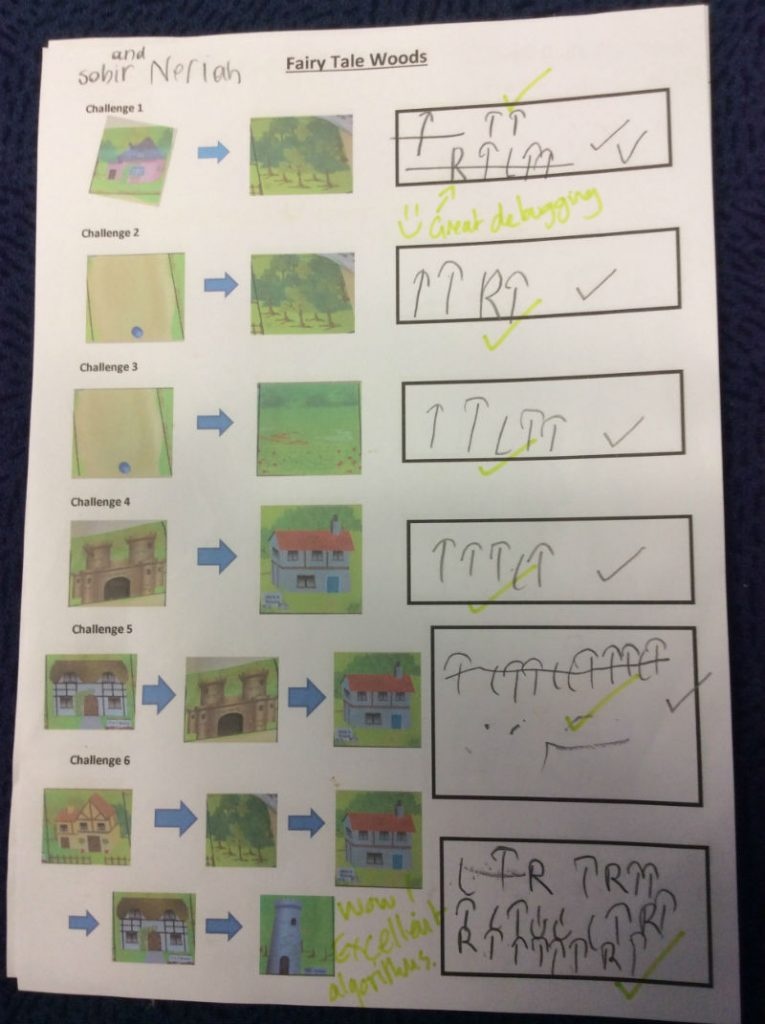
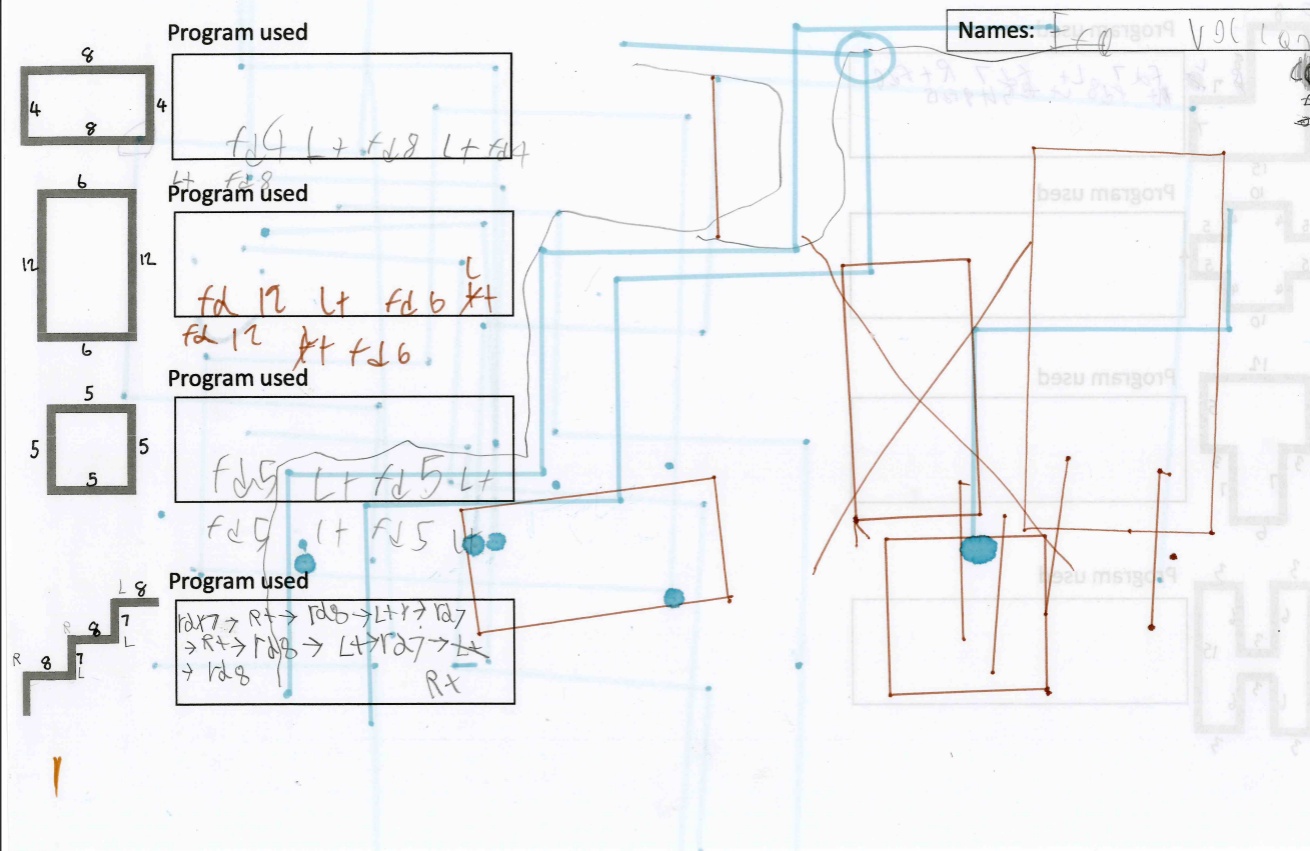
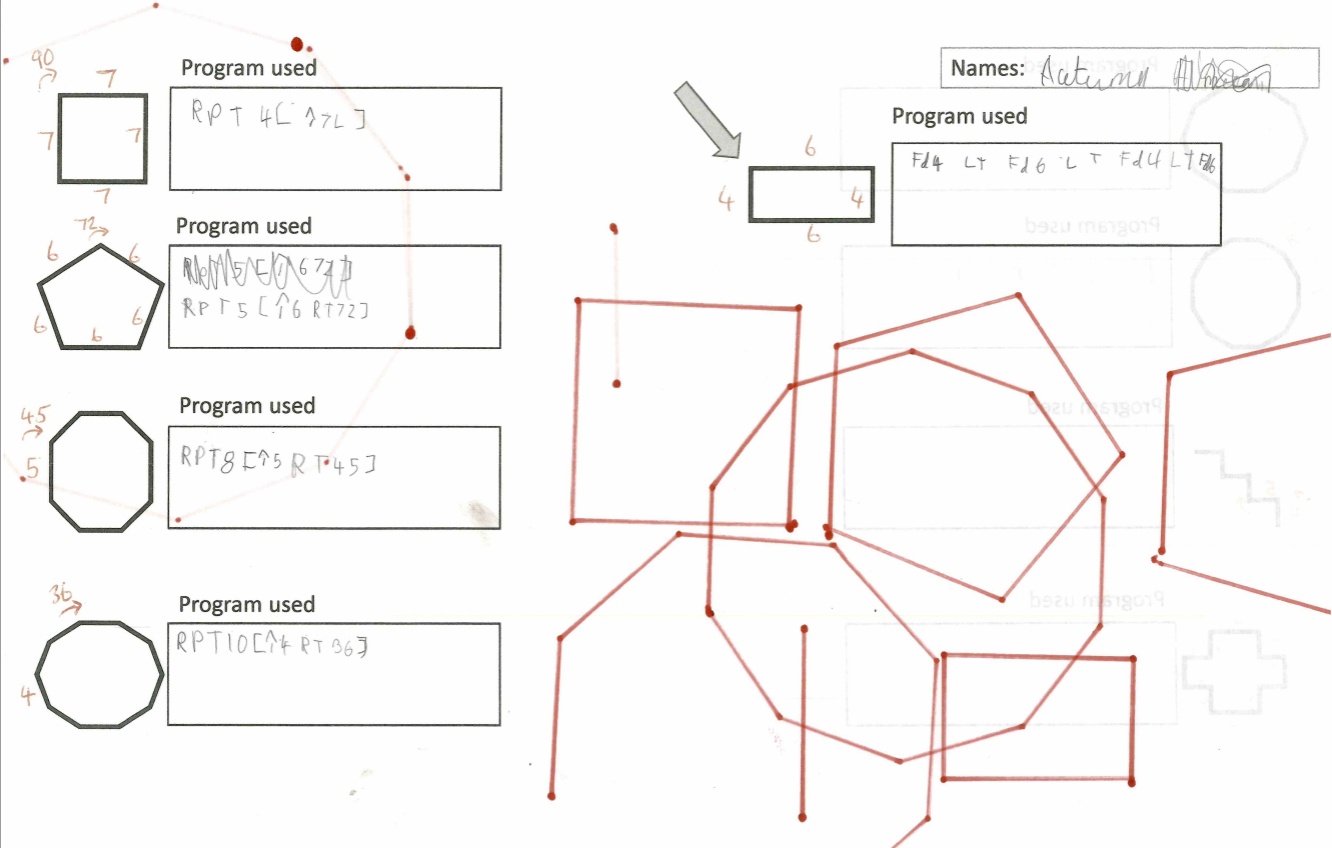
Year 2 children programming Probots to draw shapes
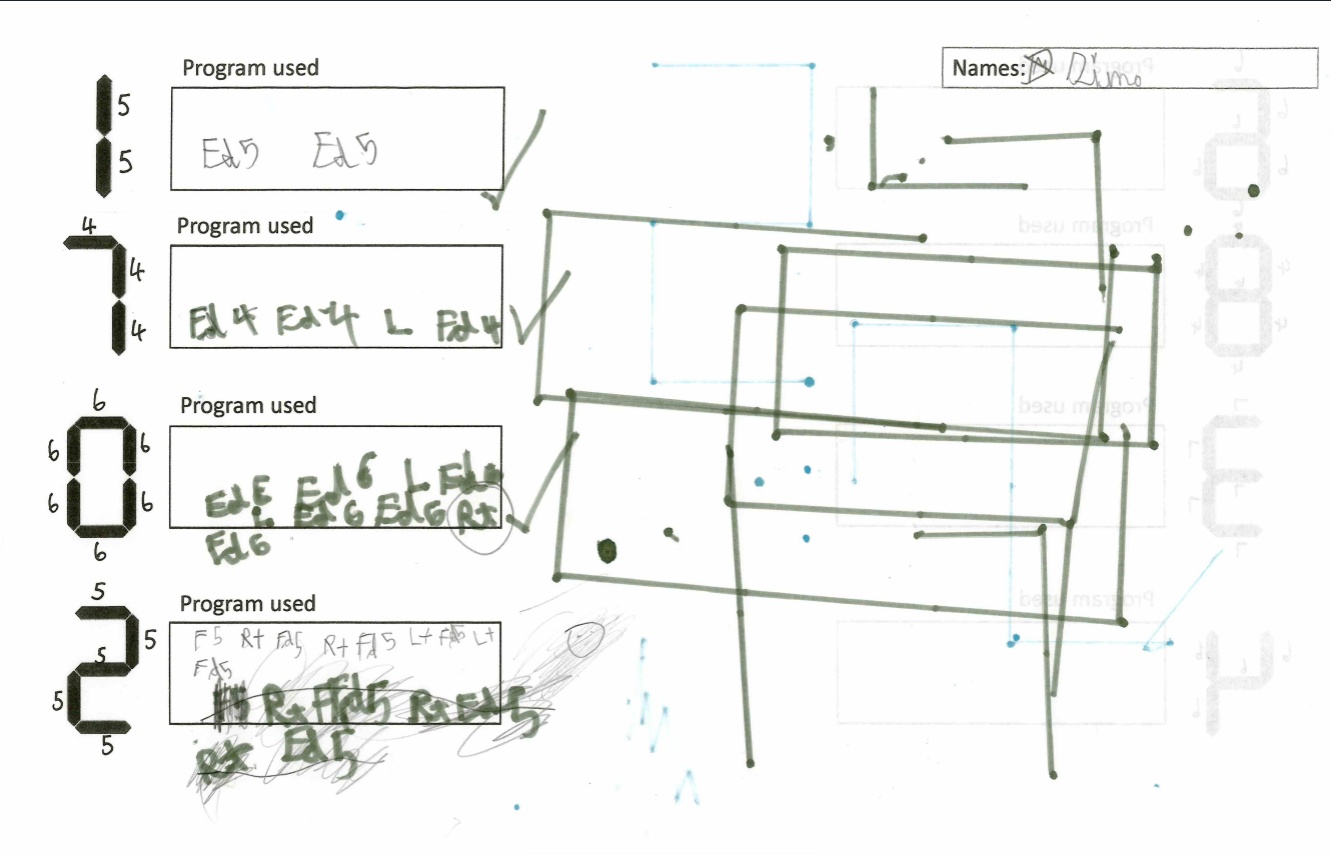
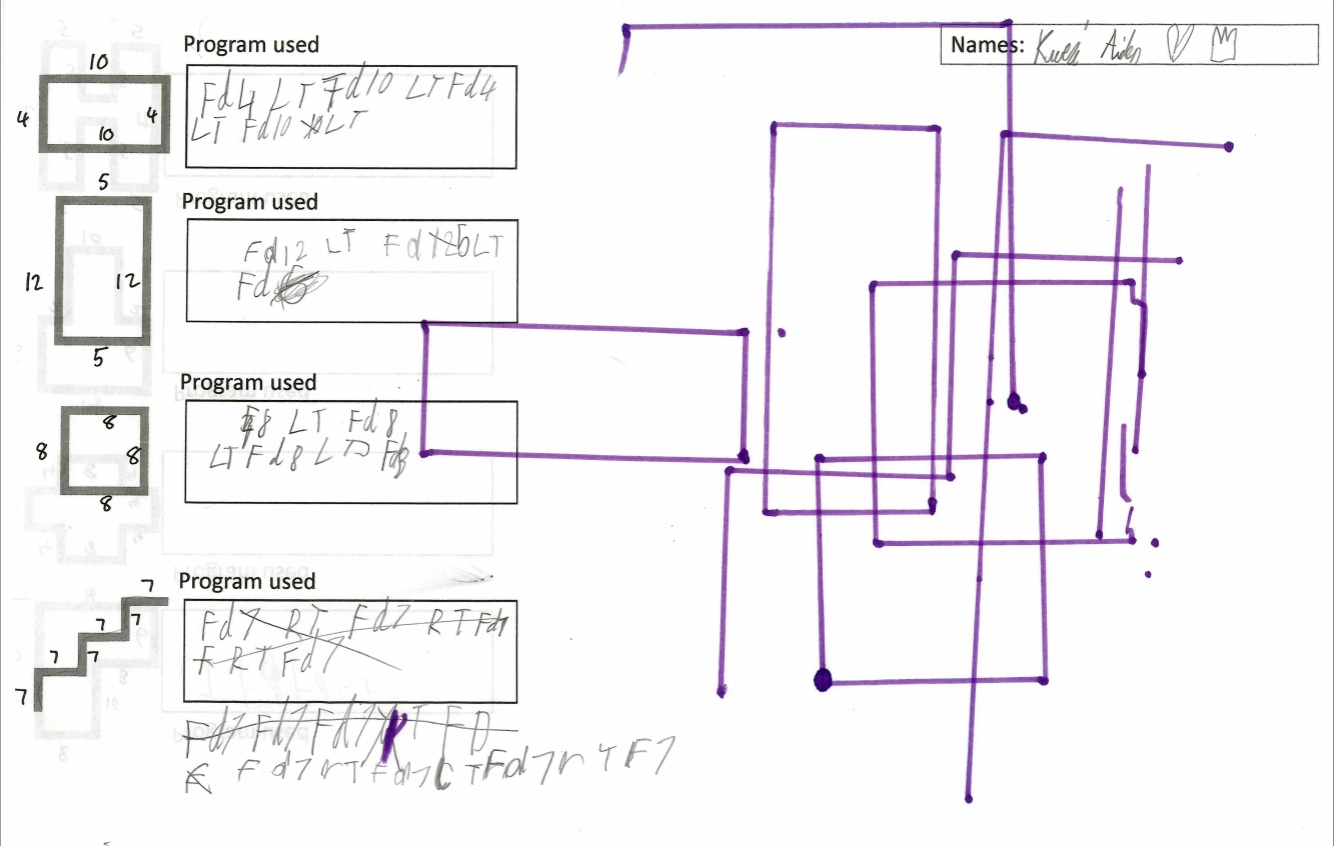
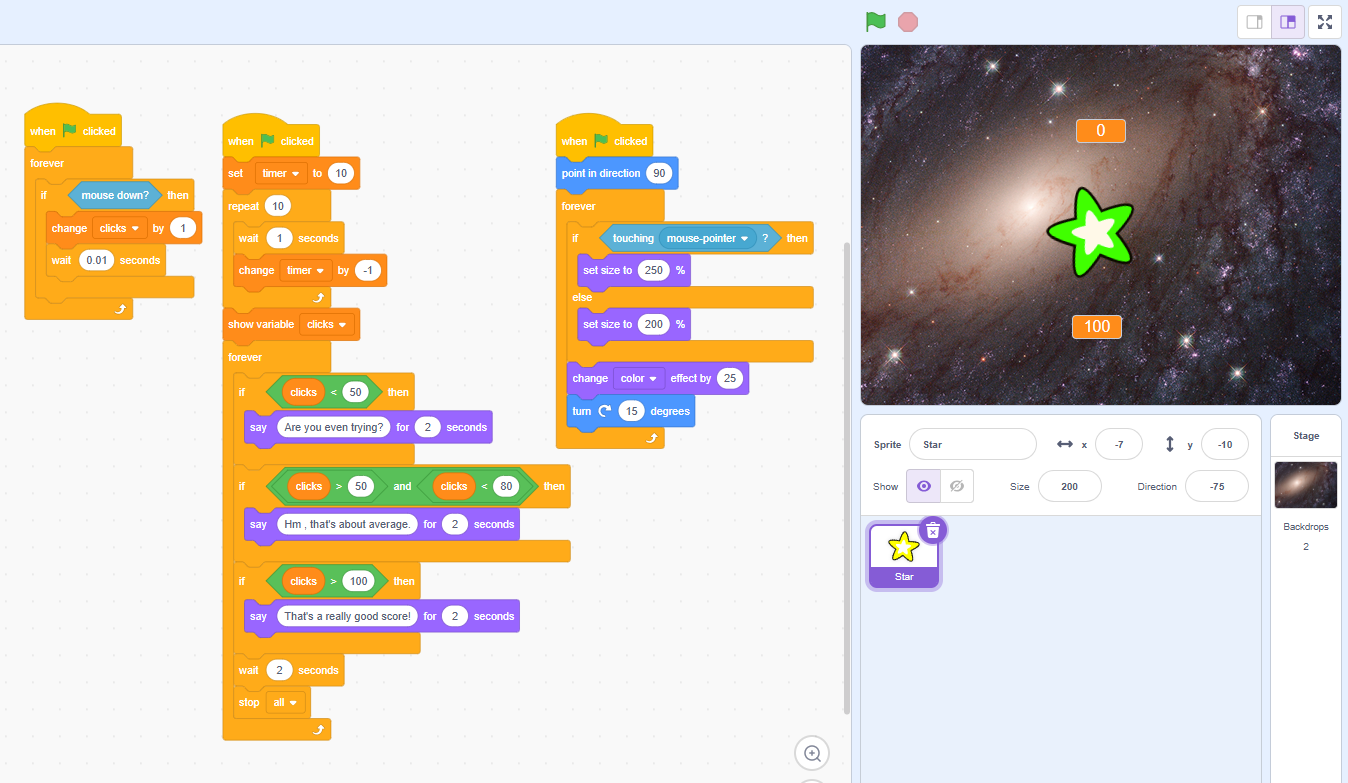
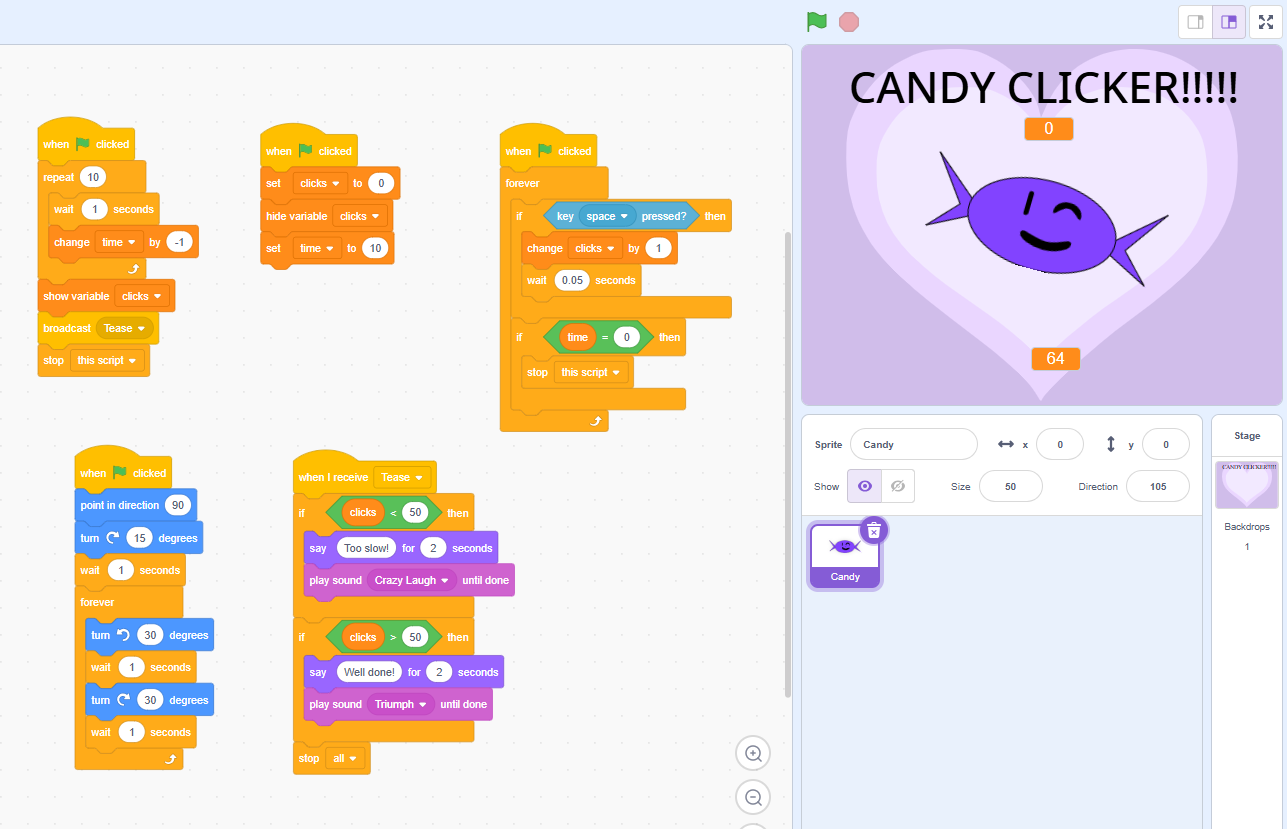
Year 4 making things happen using events and sequences
Year 5 developing and programming games using selection and variables
Year 6 creating programme using more complex selection and the If ... Else ... block.
Extra Curriculum Activities
Throughout the year there are a range of different computing clubs on offer during and after school. There are also opportunities for children to apply to become digital leaders.
This is a program created by two year 5 children, to teach children about budgeting. They worked independently during lunchtimes and entered it into the Young Coders Competition.
Below you can view the curriculum Intent and key learning at each stage (composite knowledge). By selecting a year group, you can view the progression documents.